

/PairaVoice-Start-A-Conversation-nobg-md.png?width=200&height=300&name=PairaVoice-Start-A-Conversation-nobg-md.png)
















.png)

.png)



 ChatGPT
 Google AI
 Perplexity
 Claude
 Grok
GrokLanguage barriers turn simple conversations into a struggle. While a translator app should bridge that gap, finding the right one is harder than it looks because most are designed for very different goals.
A traveler usually only needs something fast for ordering coffee. But a professional in a clinic or a classroom needs a tool that handles long-form dialogue, maintains privacy, and perhaps even provides a transcript for later. Using a basic travel app for a complex meeting is a recipe for frustration.
This guide cuts through the noise to compare the top options based on what actually matters in the moment: accuracy, ease of use, and whether the app respects the privacy of your conversation.
Top Recommendations for Voice Translator Apps
- PairaVoice: The go-to for secure translation and transcription in professional environments like healthcare and education.
- Google Translate: Best free voice translator app for quick, everyday translations across a wide range of languages.
- iTranslate: A reliable, straightforward choice for daily consumer use.
- DeepL Translate: High-tier accuracy for those who prioritize linguistic nuance.
- Otter.ai: Primarily built for meeting notes and transcription.
- Speak & Translate: A lightweight companion for casual travel.
- Translate Now: A feature-rich option for general users.
- Notta: Best for multilingual transcription and recording.
- Naver Papago: The gold standard for Asian languages like Korean, Japanese, and Chinese.
Our Evaluation Criteria
We didn’t just look at feature lists. Our linguists tested these apps based on how they hold up during real-world interactions. To find the best fit, we focused on these key pillars:
- Speech Handling: How the app processes live dialogue and different accents.
- Transcription: The ability to turn spoken words into usable text for records or summaries.
- Interface: Whether the app is intuitive enough to use while you're actually talking to someone.
- Security: Which tools are safe for sensitive professional data and which are best kept for casual chats.
The "best" app is entirely dependent on your environment. A tourist wants speed and convenience; a doctor needs precision and a paper trail. This ranking focuses on matching the tool to the specific task at hand.
Comparison Table of the 12 Best Voice Translator Apps in 2026
|
App |
Best for |
Features |
Regulated-use fit |
Main drawback |
Pricing |
|
Healthcare, education, and professional conversations |
Supports 20+ languages with live voice translation, transcription, AI notes, personalized voice playback, and SOAP notes in Pro. |
High |
Newer app with less public brand recognition |
From $2.99/mo + Pro $9.99/mo |
|
|
Free everyday translation |
Translates text, speech, photos, handwriting, and conversations in 200+ languages, with offline language downloads available. |
Low |
Free |
||
|
Mainstream consumer translation |
Offers voice translation in 100+ languages, plus text, camera, website, dialect, and offline translation features. |
Low |
Better for short translations than documentation |
Free + Pro ~$7.99/mo |
|
|
Translation quality |
Translates text, speech, photos, and files in 100+ languages, with glossary and tone options on paid plans. |
Low to moderate |
Limited workflow depth for live notes or records |
Free + Pro $8.74/mo |
|
|
Broad consumer translation |
Covers 320+ languages for text, voice, photo, and camera translation, with a keyboard translator for messaging. |
Low |
Feature-heavy, but not documentation focused |
Free + paid plans (~$29.99/mo) |
|
|
Travel conversations |
Supports text translation in 117 languages and voice translation in 54, plus camera translation and offline mode. |
Low |
Consumer-focused; limited note-taking value |
Free + paid plans from $4.99/mo |
|
|
Simple voice translation |
Supports 100+ languages for voice, text, and camera translation, with offline phrasebooks for common travel situations. |
Low |
Light on transcript storage and review |
Free trial + paid plans from $4.99/week |
|
|
Voice, text, and camera translation |
Translates across 100+ languages with voice-to-voice, text, camera, and keyboard tools for everyday communication. |
Low |
Little differentiation for professional use |
Free + paid plan from $4.99 |
|
|
Quick speech translation |
Supports 175+ languages for speech and text translation, plus camera, keyboard, Apple Watch, and offline text translation. |
Low |
Simple translator, not a documentation tool |
Free + Plus from $7.99/mo |
|
|
Transcription with multilingual support |
Supports transcription in 58 languages, with translation, summaries, file imports, and meeting-focused note features. |
Moderate |
Translation is transcript-first, not conversation-first |
Free + Pro $8.17/mo |
|
|
Travel and business translation |
Supports 103 languages and 10,000+ language combinations for voice, text, photo, offline, and AI-assisted translation. |
Low |
General-purpose app; limited workflow depth |
Free + Premium from $6.99/mo |
|
|
Asian-language translation |
Supports 14 languages with voice, conversation, image, handwriting, website, offline, and dictionary translation tools. |
Low |
Narrower language/workflow fit than broader tools |
Free + Plus options |
Ranking of the leading Apps for Voice Translation
We evaluated these tools based on their linguistic accuracy, ease of use, and practical application in professional settings:
PairaVoice
/PairaVoice%20Phone%20Screen.png?width=400&height=266&name=PairaVoice%20Phone%20Screen.png)
PairaVoice is designed for high-stakes professional environments where a simple travel app won't cut it. It treats voice translation as a core part of the workflow, blending live multilingual support with automated transcription and AI-generated notes.
Rather than just translating a single phrase, the platform handles complex dialogue in streaming and batch modes, using multiple translation engines to ensure accuracy. Because it’s built for sectors like healthcare and education, it prioritizes data security and includes specialized tools like SOAP note generation and personalized voice playback. This makes it a practical solution for sensitive conversations that require both immediate understanding and a reliable record.
Features:
- Live voice translation across 20+ languages
- Speech-to-text transcription and searchable conversation records
- Streaming mode for speed and batch mode for higher accuracy
- Personalized voice playback and multi-engine translation options
- SOAP notes, saved transcripts, and advanced documentation in Pro
|
Pros |
Cons |
|
Combines translation, transcription, and notes in one workflow |
Newer app with less mainstream brand recognition |
|
Strong fit for healthcare, education, and sensitive conversations |
More specialized than casual travel translators |
|
Prioritizes privacy and security |
Maybe more than casual users need |
Best choice if:
You need voice translation and transcription together for professional conversations, especially in healthcare, education, patient communication, parent meetings, or other privacy-sensitive settings.
Google Translate
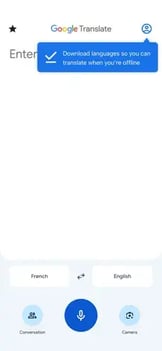
Google Translate remains the most accessible option for quick, free, everyday use. It is a versatile tool that handles text, speech, images, and handwriting across more than 200 languages, even without an internet connection.
While it is excellent for navigating casual conversations or translating signs on the fly, it has clear limits. It isn’t designed to produce structured transcripts or professional summaries, and it lacks the security frameworks required for regulated industries or formal business workflows.
Google Translate app interface. Source: official App Store listing.
Features:
- Text, speech, image, handwriting, and conversation translation
- Supports 200+ languages, with feature availability varying by language
- Offline translation for downloaded languages
- Camera translation for signs, menus, and printed text
- Free to use
|
Pros |
Cons |
|
Free, familiar, and widely available |
Not designed for professional documentation |
|
Excellent for travel and quick phrases |
Limited transcript and workflow features |
|
Broad language coverage |
Not positioned for sensitive healthcare or education use |
Best choice if:
You want a free, simple translator for travel, short conversations, menus, signs, and everyday language help.
iTranslate
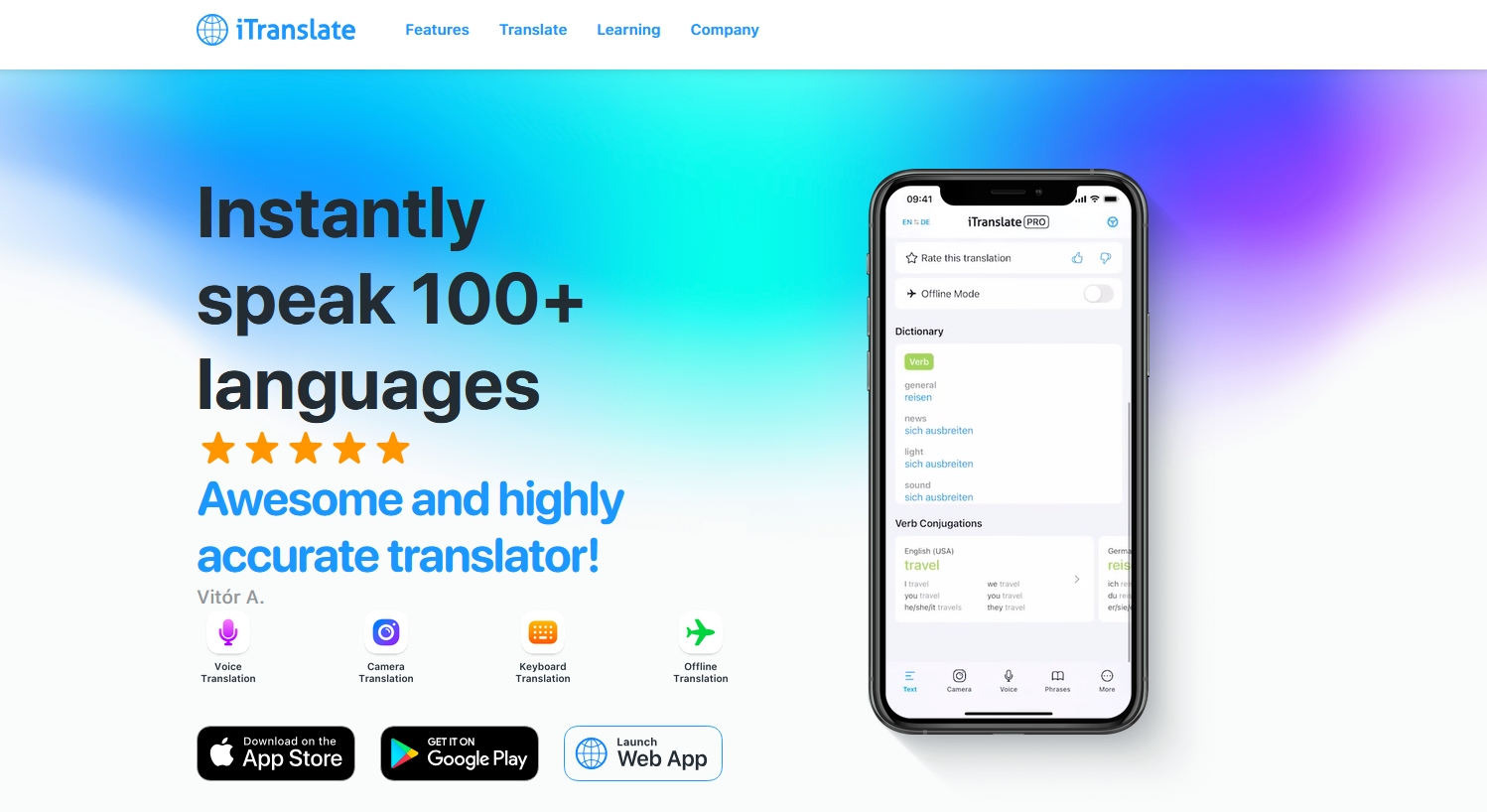
iTranslate, Source: https://itranslate.com/
iTranslate is a polished consumer translation app for people who want more features than a basic free translator. It supports translation in more than 100 languages across speech, offline translation, website translation, and other tools. It works well for day-to-day use, but it is better suited to short translations than long conversations that need transcripts or records.
Features:
- Translation in 100+ languages
- Speech translation and voice mode
- Offline translation on supported plans/features
- Website translation and verb conjugation tools
- Useful for travel, casual use, and general communication
|
Pros |
Cons |
|
Broad consumer feature set |
Not built for documentation-heavy workflows |
|
Good everyday translation coverage |
Advanced features may require paid access |
|
Useful for travel and personal communication |
Limited regulated-use potential |
Best choice if:
You want a mainstream translation app for everyday conversations, travel, and general multilingual communication.
DeepL Translate
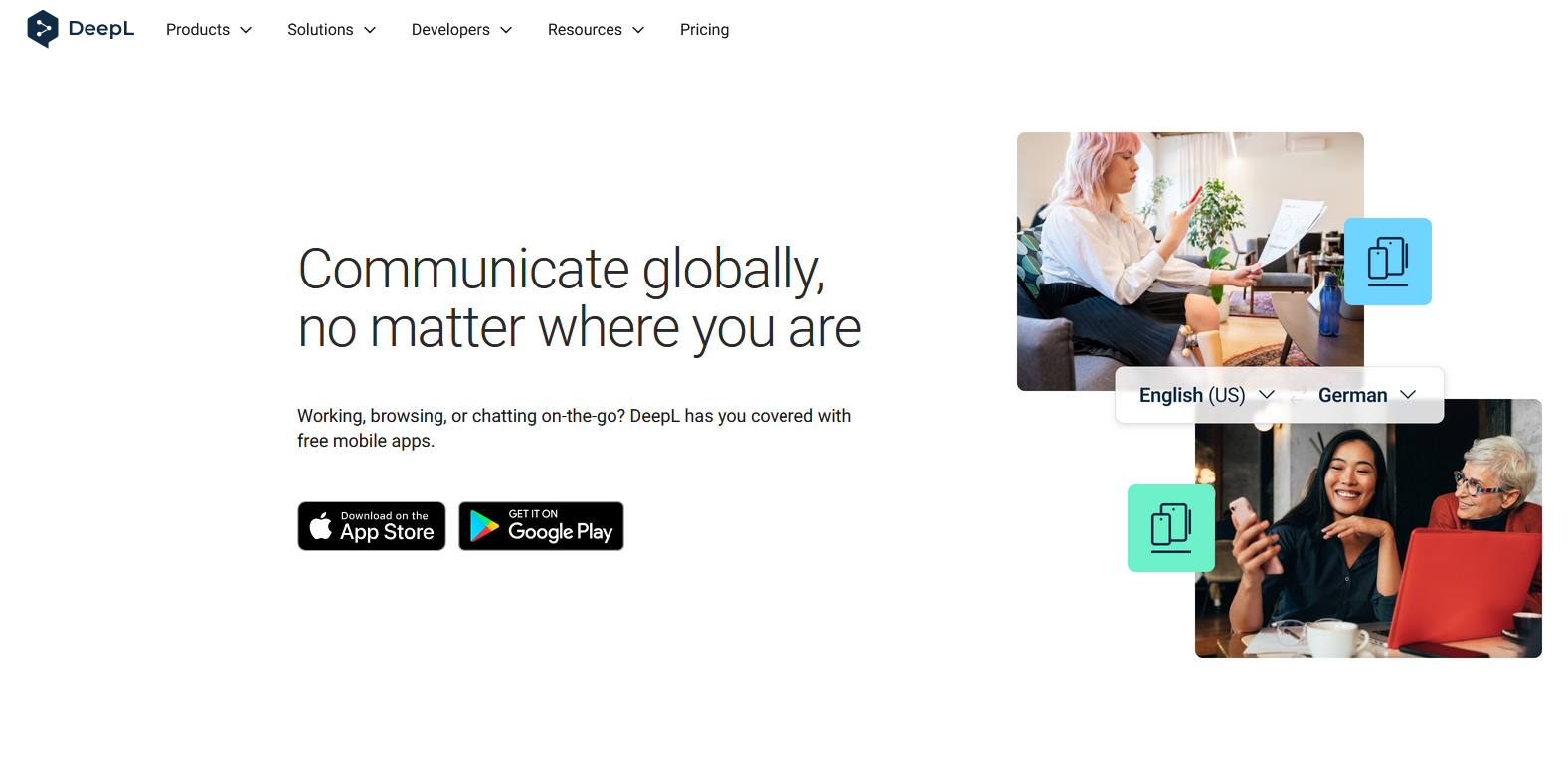
DeepL Translate, Source: https://www.deepl.com/en/mobile-apps
DeepL is best known for translation quality, especially when the wording and tone of a translation matter. Its app supports text, speech, photo, and file translation in 100+ languages, with paid options such as glossary and tone controls. It is a strong translation tool, but less suited to live conversation records, structured notes, or professional documentation workflows.
Features:
- Text, speech, photo, and file translation
- 100+ supported languages
- Alternative translations and saved history
- Glossary and tone options on paid plans
- Strong fit for written translation quality
|
Pros |
Cons |
|
Excellent for nuanced written translation |
Not mainly built for live conversation workflows |
|
Supports speech and file translation |
Limited transcription and note-taking depth |
|
Useful glossary and tone tools |
Less focused on regulated professional settings |
Best choice if:
You care most about translation quality, especially for written text, documents, or polished phrasing.
Translate Now
Translate Now packs a wide range of features into a single consumer-focused app. With support for over 320 languages, it covers everything from standard text and voice to photo translation and a custom translator keyboard.
It’s a solid choice for anyone who wants a variety of tools in one place for general use. However, it lacks the infrastructure for professional recordkeeping, detailed transcription, or the security protocols necessary for sensitive workplace environments.
Features:
- Text, voice, photo, and camera translation
- 320+ supported languages
- Translator keyboard for messaging apps
- Hands-free AI voice translation
- Useful travel and everyday communication tools
|
Pros |
Cons |
|
Very broad language coverage |
Can feel feature-heavy for simple use |
|
Good mix of voice, photo, and text translation |
Not documentation-focused |
|
Helpful keyboard translation feature |
Limited fit for regulated conversations |
Best choice if:
You want a broad, all-purpose consumer translator with many ways to translate text, speech, images, and messages.
Speak & Translate
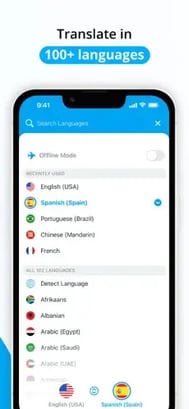
Speak & Translate serves as a practical companion for navigating new places and quick interactions. It focuses on the essentials, offering text translation in 117 languages and voice support for 54, alongside helpful extras like camera translation and an offline mode for when mobile signal is unreliable.
While it is a great tool for tourists or casual chats, it is firmly a consumer app. It doesn't provide the specialized documentation or data security required for professional environments or regulated industries.
Speak & Translate, Source: https://apps.apple.com/us/app/speak-translate-translator/id804641004
Features:
- Text translation in 117 languages
- Voice translation in 54 languages
- Camera translation for menus, signs, and printed text
- Offline mode on premium plans/features
- Translation history synced across Apple devices
|
Pros |
Cons |
|
Good for travel and everyday speech translation |
Voice language support is narrower than text support |
|
Camera and offline features are useful on the go |
Limited transcription and notes |
|
Simple consumer use case |
Not designed for regulated workflows |
Best choice if:
You need a travel-friendly voice translator for short conversations, menus, and directions.
Voice Translator: AI Translate
Voice Translator: AI Translate is designed as a pocket voice translator for everyday situations. It supports 100+ languages for voice, text, and camera translation, with an offline phrasebook and tone/speed controls for translated audio. It is useful for simple translation needs, but lighter on transcript storage, review, and professional workflow features.
Features:
- Voice, text, and camera translation in 100+ languages
- Real-time voice translation mode
- Offline phrasebook for common travel situations
- Tone and playback speed controls
- Photo and AR-style translation tools
|
Pros |
Cons |
|
Good for quick voice translation |
Subscription required for full access |
|
Helpful offline phrasebook |
Not built for long-form records |
|
Useful for travel and daily errands |
Limited professional documentation value |
Best choice if:
You want a simple voice translator for travel, shopping, hotels, airports, or other everyday conversations.
Translator Guru
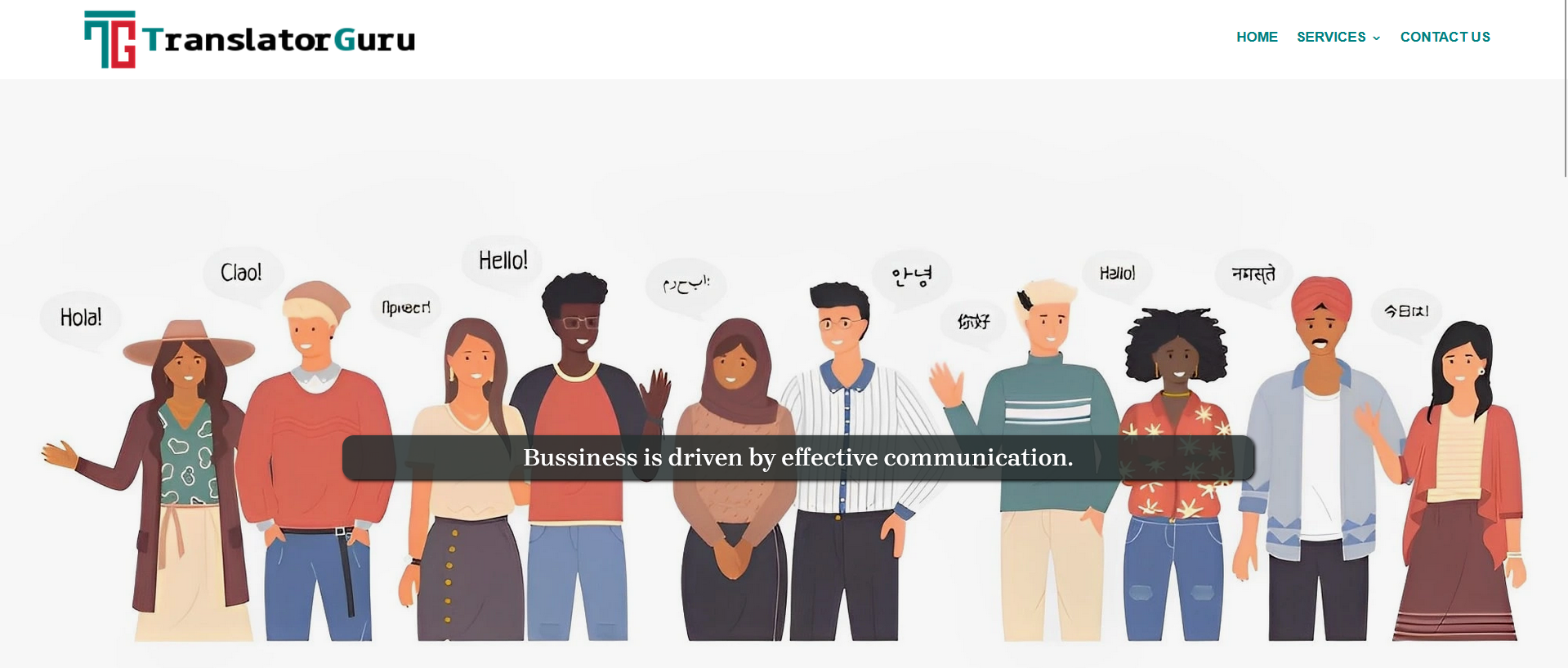
Translator Guru, Source: https://translatorguru.com/
Translator Guru functions as an all-in-one tool for general translation needs, covering voice, text, and images. With support for over 100 languages, it’s particularly handy for navigating daily life, offering a translator keyboard and a camera feature for reading menus or street signs.
While it’s a convenient choice for personal use, it isn’t specialized for more demanding tasks. It lacks the advanced transcription features and rigorous security standards required for professional documentation or regulated industries.
Features:
- Translation in 100+ languages
- Voice-to-voice and voice-to-speech conversations
- Camera translation for printed text
- Translator keyboard for messaging
- Apple Watch support
|
Pros |
Cons |
|
Covers the main consumer translation formats |
Limited differentiation from similar apps |
|
Useful keyboard and camera tools |
Not built for professional records |
|
Convenient for everyday communication |
No clear regulated-use positioning |
Best choice if:
You want a straightforward voice, text, and camera translator for casual multilingual communication.
Dialog
Dialog is a simple speech translation app built around quick, one-tap conversations. It supports voice and text translation in 175+ languages, plus camera translation, keyboard translation, Apple Watch support, and offline text translation. Its simplicity is a benefit for casual use, but it is not designed for transcripts, notes, or documentation workflows.
Features:
- Speech and text translation in 175+ languages
- Camera and AR translation features
- Keyboard translation for messages
- Apple Watch support
- Offline text translation
|
Pros |
Cons |
|
Simple one-screen translation experience |
Not built for transcript management |
|
Wide language coverage |
Limited professional workflow depth |
|
Useful for quick speech translation |
Consumer-focused feature set |
Best choice if:
You want a fast, simple app for quick speech translation with easy setup.
Notta
Notta is primarily a transcription and meeting-notes tool, but it earns a place here because it also supports multilingual transcription and translation. It supports monolingual transcription in 58 languages and translation after transcription in 42 languages, making it useful when the goal is to capture, summarize, and translate spoken content after or during a meeting. It is less suited to live face-to-face voice translation than dedicated conversation translator apps.
Features:
- Transcription in 58 languages
- Translation after transcription in 42 languages
- Meeting notes, summaries, and file imports
- Real-time and recorded transcription workflows
- Better for records than live back-and-forth translation
|
Pros |
Cons |
|
Good for meeting transcripts and summaries |
Translation is transcript-first |
|
Useful multilingual documentation features |
Less natural for live conversation translation |
|
Helpful for business and productivity workflows |
Not mainly a voice translator app |
Best choice if:
You need to record, transcribe, summarize, and translate meetings or audio files more than you need live speech-to-speech translation.
Talk & Translate
Talk & Translate bridges the gap between travel and light business use by offering a flexible suite of voice, text, and photo translation tools. With support for over 100 languages and thousands of combinations, it’s a reliable choice for navigating general multilingual conversations or translating on the go.
While it is a versatile consumer app, it isn't a replacement for specialized professional software. It lacks the depth needed for generating detailed transcripts or organized notes, and it doesn't provide the high-level security protocols required for regulated industries.
Features:
- Voice, text, and photo translation
- 103 supported languages
- 10,000+ language combinations
- Offline translation features
- AI-assisted real-time translation
|
Pros |
Cons |
|
Good mix of travel and business features |
Limited workflow depth |
|
Broad language-pair coverage |
Not documentation-focused |
|
Useful for quick spoken and visual translation |
Not positioned for regulated settings |
Best choice if:
You want a flexible translator for travel, business trips, and everyday conversations across common language pairs.
Naver Papago
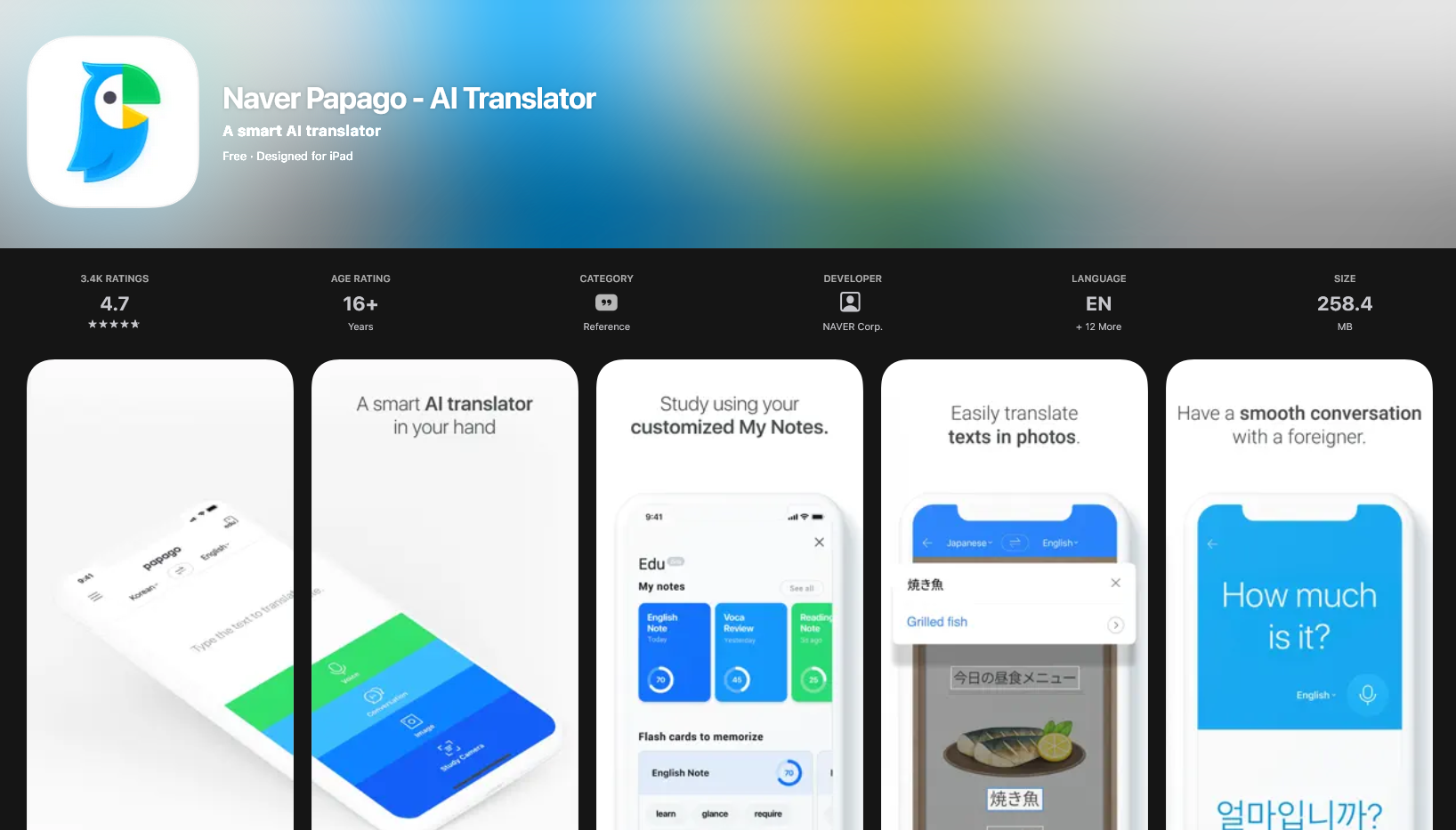
Naver Papago, Source: https://apps.apple.com/us/app/naver-papago-ai-translator/id1147874819
Naver Papago is the specialized choice for anyone working heavily with Korean, Japanese, Chinese, and other Asian languages. While its list of 14 supported languages is shorter than most, it offers a level of nuance for these specific regions that broader apps often miss.
It provides a comprehensive toolkit including text, voice, and image translation, along with handwriting recognition and built-in dictionaries. It is an excellent resource for travelers or students focused on East Asia, though its narrow geographic scope makes it less ideal as a global, all-in-one translator.
Features:
- Supports 14 languages
- Voice and conversation translation
- Image, handwriting, and website translation
- Offline translation
- Dictionary and study tools
|
Pros |
Cons |
|
Excellent fit for Korean, Japanese, and Chinese use cases |
Narrower language coverage |
|
Helpful study and dictionary features |
Not built for transcription workflows |
|
Useful for travel and language learning |
Limited regulated-use fit |
Best choice if:
You mainly need translation for Korean, Japanese, Chinese, or other supported Asian-language use cases.
Key factors to consider before downloading
The most effective translator isn't necessarily the one with the most bells and whistles. Success comes down to how well the app handles the specific conversation you’re trying to have.
Before you hit download, keep these pillars in mind:
1. Your primary use case
A traveler asking for directions has different priorities than a nurse explaining discharge instructions or a teacher speaking with a parent. Casual situations favor speed and simplicity. In contrast, healthcare, education, and business settings often require transcription, privacy, and a reliable record of what was said.
2. Language coverage
Most apps boast massive language lists, but features often vary by tongue. An app might support 100 languages for text, but only a fraction of those for voice or offline mode. Double-check that your specific languages are available for spoken translation rather than just typing.
3. Voice translation quality
A good app should support the natural flow of a conversation. It needs to handle different accents, background noise, and the back-and-forth rhythm of real speech. Some professional tools offer a choice: streaming mode for immediate results or batch mode for higher accuracy when every word counts.
4. Transcription and notes
Translating a single phrase is one thing; following a complex set of instructions is another. Having a written record is invaluable for meetings, patient consultations, or parent-teacher conferences. If you need to review decisions or follow-up tasks later, look for an app that generates a transcript.
5. Privacy and security
Not every app is safe for sensitive information. If you're discussing patient records, legal matters, or student data, the security of the platform is a non-negotiable part of the choice. Consumer-grade apps are convenient, but they rarely offer the protection required for regulated professional environments.
6. Ease of use in the moment
The software shouldn't get in the way of the person you're talking to. The interface needs to be intuitive enough to use while someone is speaking, without forcing you to dig through settings. Look for a clean design, clear conversation views, and easy language switching.
7. Pricing and upgrade limits
While many apps start for free, the best features—like offline use, camera translation, or unlimited transcription—are often behind a paywall. Consider your frequency of use. A free version might suffice for a short trip, but a professional subscription is usually necessary for daily work.
Which Voice Translation app fits your situation?
The right choice depends on your environment and whether you need a quick bridge or a complete communication workflow.
For professional environments: PairaVoice is built for the complexity of healthcare and education. It focuses on live conversations where privacy, accuracy, and documentation matter. Instead of acting as a simple travel phrasebook, it integrates translation with transcription and AI-generated notes.
For travel: Google Translate is the most reliable free option for navigating menus, street signs, and quick tourist interactions. For a few more travel-centric features, Speak & Translate or Talk & Translate are also solid alternatives.
For everyday personal use: iTranslate and Translate Now offer broad features for general communication. They are great all-purpose tools for personal text and photo translation but aren't designed for professional recordkeeping.
For linguistic precision: DeepL Translate is the standout choice when the exact tone and wording of a text matter most. While it's excellent for documents and messages, you might find it less optimized for real-time, back-and-forth spoken interactions.
For meetings and recordings: Notta is ideal if your priority is transcribing and summarizing long recordings. It’s a powerful tool for documentation, though PairaVoice is better suited for live, two-way dialogue that requires an immediate transcript.
For Asian languages: Naver Papago is the go-to for Korean, Japanese, and Chinese. Its geographic focus is narrower, but it handles the nuances of these specific languages better than most global competitors.
For quick speech on the go: Dialog and Translator Guru are simple, fast options for shopping or navigating airports. They are perfect for short interactions but won't provide the notes or transcripts needed for a structured record.
Match the app to the conversation
Voice translation technology is evolving, but the apps are not interchangeable. If you need a free travel companion, Google Translate is the logical choice. If your goal is a polished document, DeepL is the way to go.
However, when a conversation requires both real-time understanding and a secure record—particularly in professional settings like clinics or schools—PairaVoice is designed to handle that weight. It moves beyond the "phrasebook" model to support the entire interaction from the first word to the final note.
The choice comes down to one question: Do you just need to translate a phrase, or do you need to manage the whole conversation? For quick exchanges, a general tool is fine. For everything else, choose a tool built for the professional reality.
FAQs
What is the best voice translator app?
The ideal choice depends entirely on your specific environment. A free tool like Google Translate is often sufficient for casual travel or quick phrases. However, professional settings usually require more than just a literal translation; for business meetings or sensitive consultations, a platform that integrates both translation and transcription is a more practical investment.
How accurate are these apps?
Translation technology has improved significantly, particularly for major global languages and clear, direct speech. That said, variables like heavy background noise, regional accents, and specialized jargon can still impact the results. For any conversation where precision is critical, it’s best to treat the app as a helpful guide rather than an infallible source.
Do these apps work in real time?
Most modern live voice translation apps offer real-time or near-instant translation for spoken dialogue. Some are optimized for a natural, back-and-forth rhythm between two people, while others are better suited for transcribing longer speeches or summarizing recorded meetings after they’ve concluded.
What is the difference between voice translation and transcription?
Translation is the act of converting speech from one language into another so you can understand what is being said in the moment. Transcription is the process of turning those spoken words into a written record. Using a tool that does both is particularly useful when you need to follow a conversation live and maintain a searchable transcript for later review.
Can an app replace a professional human interpreter?
While these tools are excellent for bridge-building and daily communication, they aren't a direct replacement for certified human interpreters in high-stakes environments. For complex legal, medical, or highly sensitive matters, it is essential to follow organizational protocols and utilize professional interpretation services to ensure total accuracy and compliance.
Reviewed by

Founder and CTO
Rick is Co-Founder and CTO of Pairaphrase and a leader in translation technology with more than two decades of experience improving how organizations communicate across languages. His work focuses on making multilingual communication more accurate, efficient, and accessible through AI-driven translation solutions, practical innovation, and a strong emphasis on usability, quality, and security.