


/PairaVoice-Start-A-Conversation-nobg-md.png?width=200&height=300&name=PairaVoice-Start-A-Conversation-nobg-md.png)




















Word Document Translation Software for Secure Workflows
Securely translate and manage recurring Microsoft Word files with AI-assisted translation, formatting preservation, terminology control, Translation Memory and human review in one governed platform.


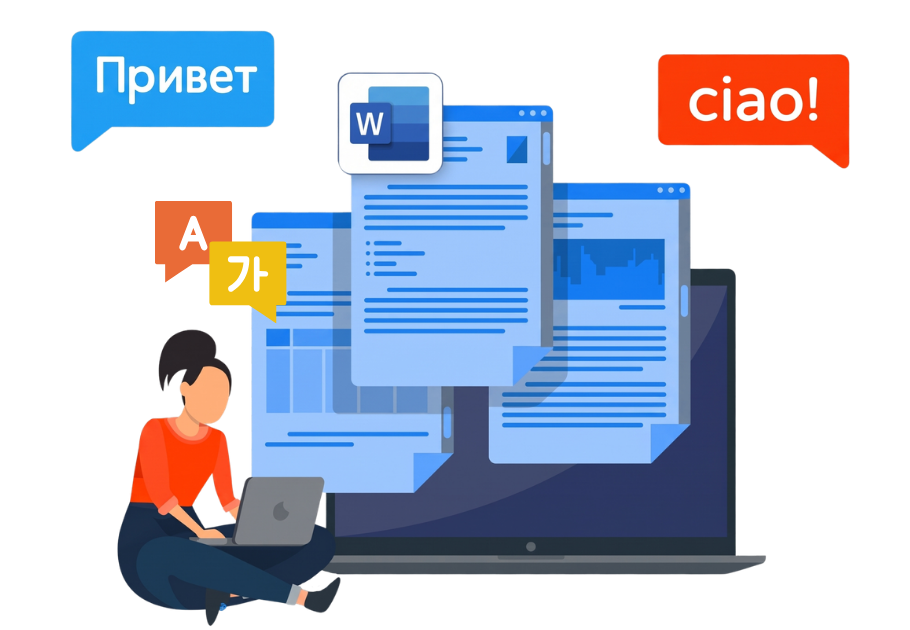
DOCX support • Formatting preservation • Translation Memory • Glossaries • Hybrid AI + human review • Governed AI • Easy-to-use platform • 30+ file types supported
























Translate Word documents without rebuilding your workflow
Translate DOCX files in Pairaphrase while keeping the document and its translated content connected from upload through export.

DOCX file support
Translate Microsoft Word DOCX files and export the completed translation back into the supported Word format.

Automatic File Formatting
Help retain headings, tables, paragraph structure, fonts, images and other supported document formatting.

Translation Viewer
Preview the translated Word document before download to check layout, spacing, readability and page structure.

Recurring document workflows
Reuse approved terminology and translations across future Word documents instead of starting from scratch.
Why Word document translation gets complicated
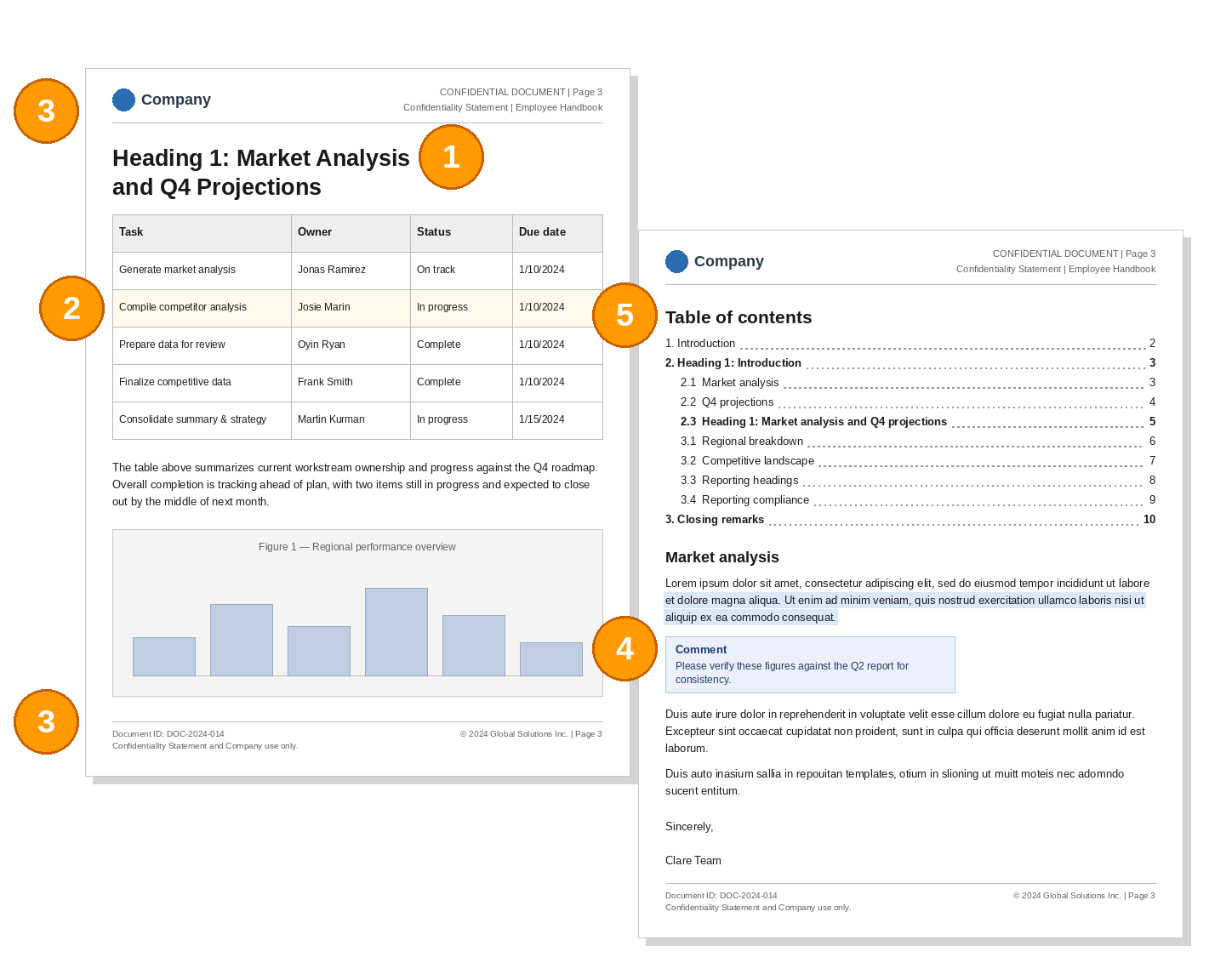
DOCX files contain more than paragraphs of text. Styles, tables, page elements and document-level features can all affect what the translated file looks like after the language changes.

Headings and styles
Structured headings drive document hierarchy and navigation, so heading styles should remain consistent throughout the translated file.
Tables and structured content
Translated text may expand inside cells, making narrow columns, nested tables and fixed-width layouts important areas for review.

Headers and footers
Headers and footers can contain titles, legal text and recurring information that should be checked in the translated document.

Tracked content and comments
Tracked changes, comments and hidden edits can complicate the source, so decide what belongs in the translation before uploading it.

Tables of contents
Automatic tables of contents depend on Word heading styles and should be regenerated from translated headings after translation.
Translate DOCX files while preserving more of the original format
Pairaphrase keeps Word document translation and formatting in the same workflow, reducing the manual work needed to rebuild translated DOCX files.
Preserve document structure
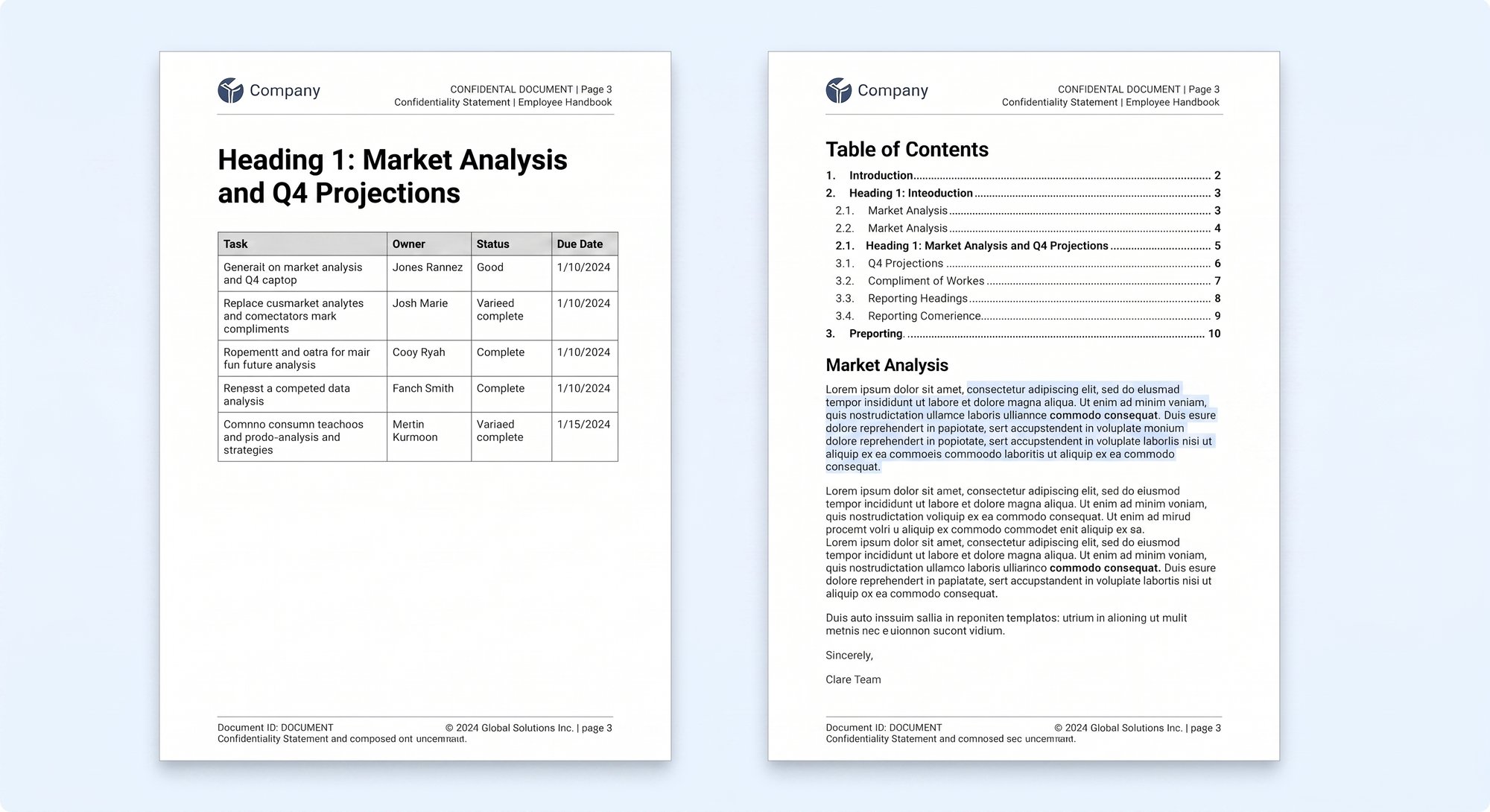
Retain paragraphs, headings, line breaks and page structure while translating the underlying Word content.
Maintain tables and visual elements
Keep supported tables, images, charts and other document elements connected to the translated Word file.
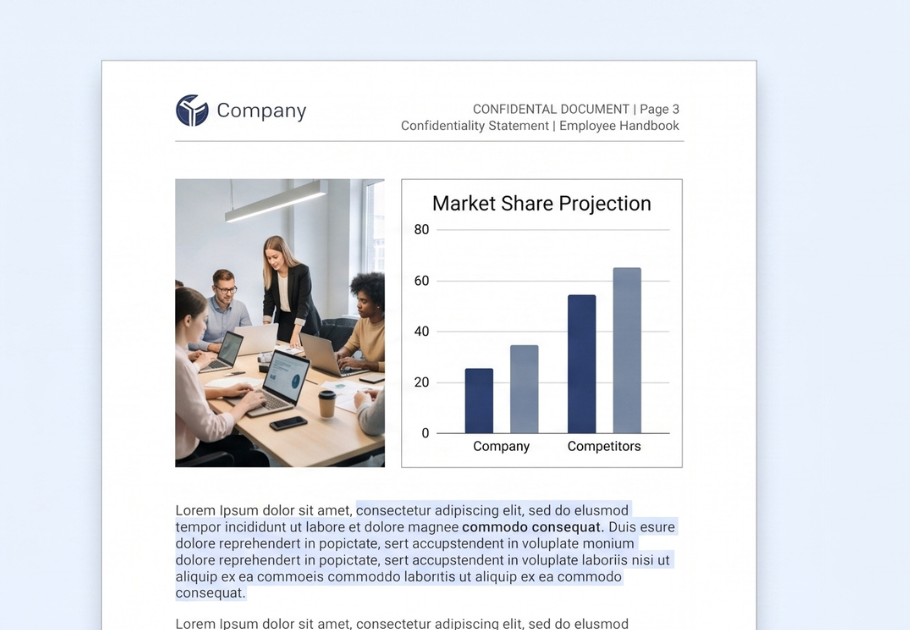
Preserve font properties and styles
Retain supported font properties and Word styling while reducing the need to reconstruct the document manually.
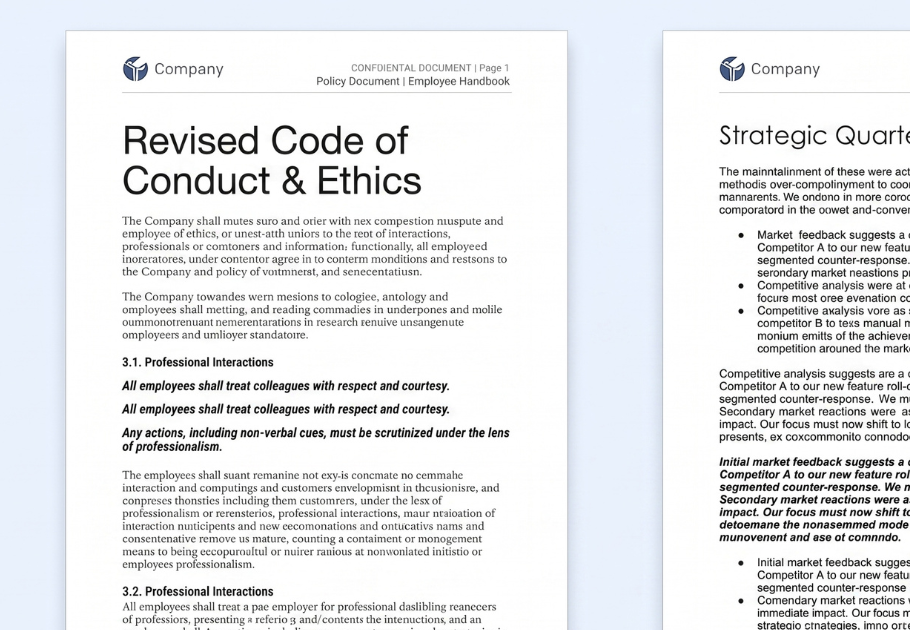
Review language expansion
Check areas where translated text becomes longer or shorter and affects tables, spacing or the overall page layout.
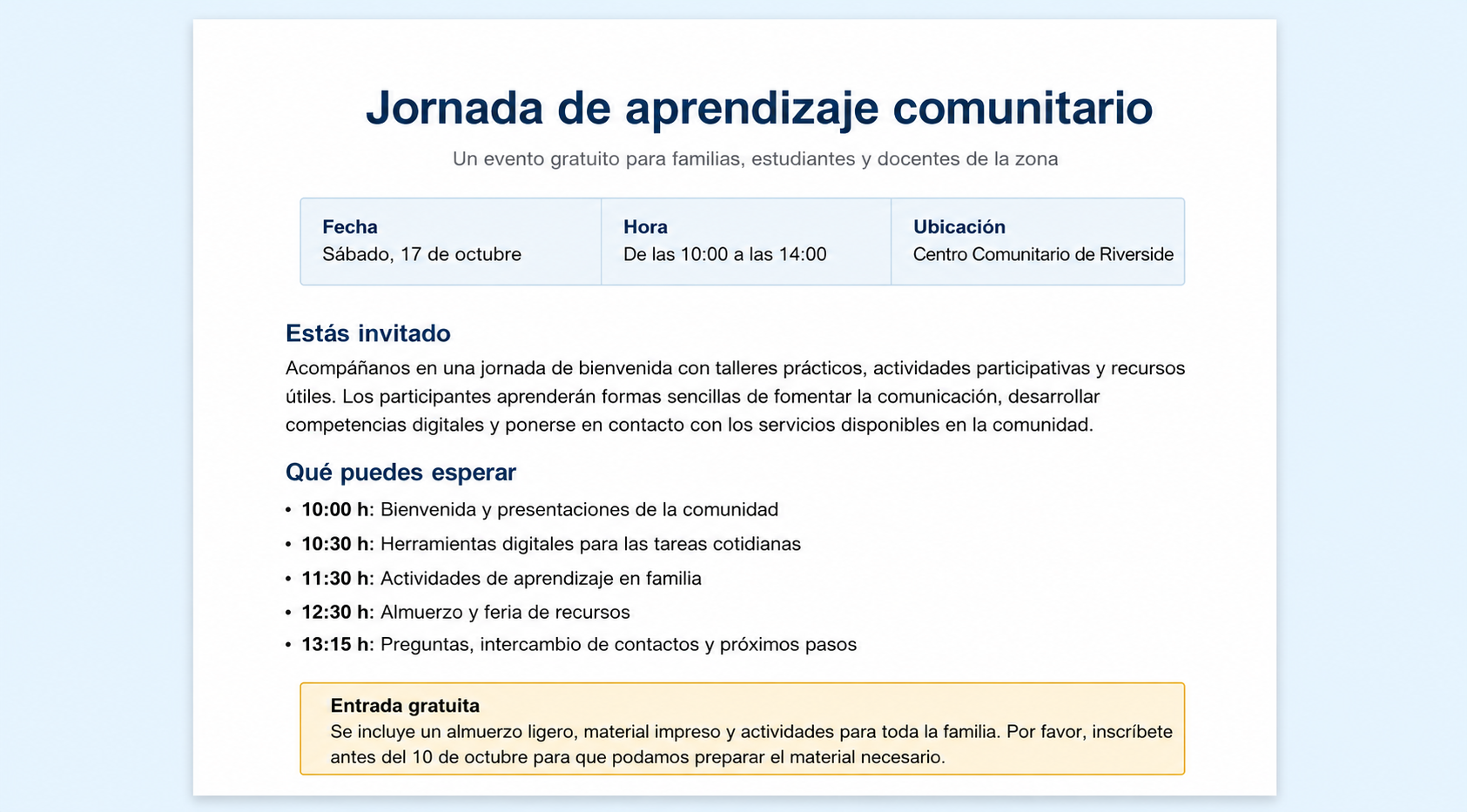
Generic AI tools vs. Pairaphrase for Word document translation
Generic AI can translate Word content, but recurring DOCX workflows often need more control than a standalone prompt or chat provides.
Choose how you translate your Word documents
Pairaphrase gives teams access to multiple AI and Machine Translation engines for DOCX translation, so you can select the option that fits your language pair, content and workflow.

ChatGPT
Use ChatGPT for AI-assisted Word document translation and alternate translation suggestions.

PairaphraseGPT
Use Pairaphrase’s translation-focused AI with Translation Memory, glossaries and model customization.

DeepL, Google + Microsoft
Choose established Machine Translation engines based on language coverage and project requirements.
Stop retranslating recurring Word document content
Recurring Word files often contain sentences and phrases your organization has already translated. Pairaphrase helps reuse that approved work across future DOCX projects.

Translation Memory
Reuse approved translations when matching sentences and phrases appear in future Word document projects.

Glossaries
Apply approved product names, technical terms, regulated language and organization-specific terminology.

Collaborative Translation
Let reviewers improve translated content while keeping approved edits connected to future translation work.
How Word document translation works in Pairaphrase
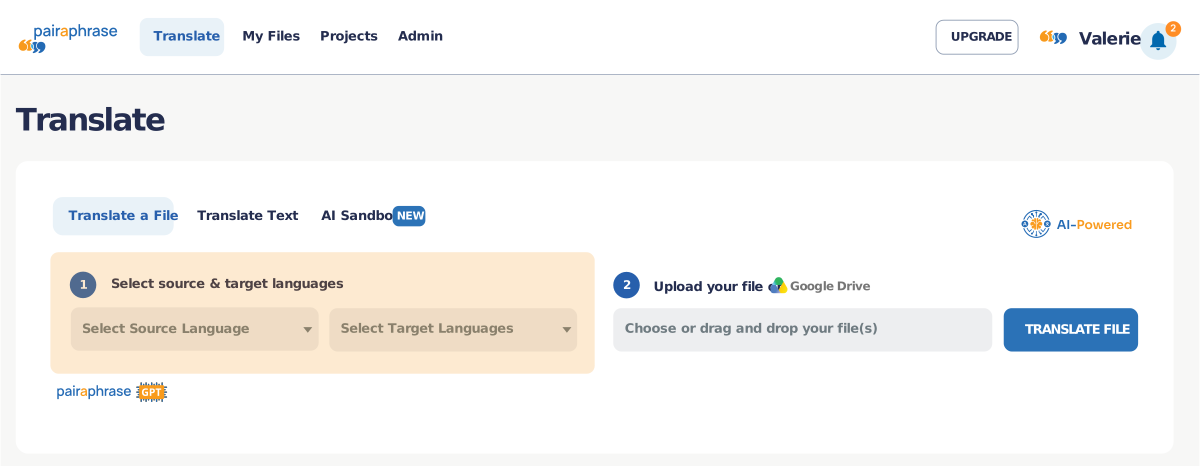
1. Upload your DOCX file
Add a Microsoft Word document or related DOCX files to a Pairaphrase translation project.
2. Make selections
Select your languages and supported AI or Machine Translation option for the document.
3. Apply translation assets
Use Translation Memory and glossaries to reinforce approved language and recurring content.
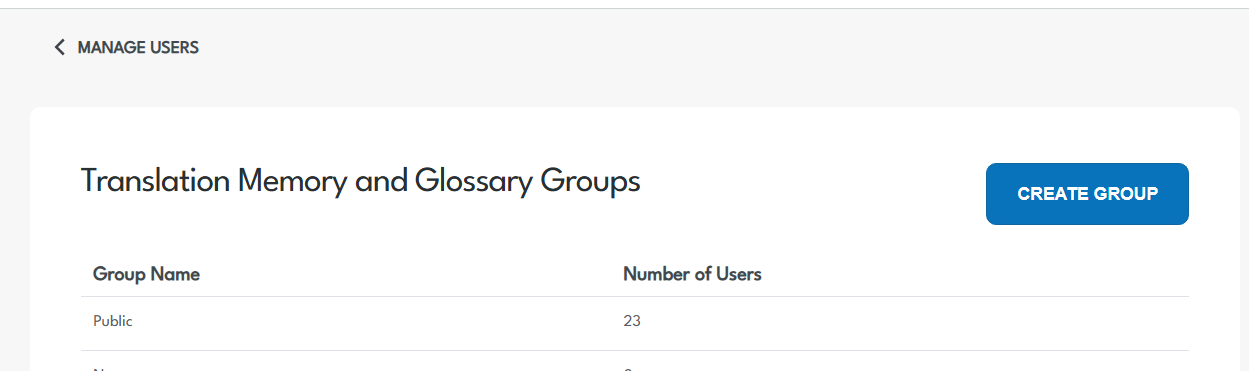
4. Review with your team
Give authorized reviewers access to verify meaning, terminology and translated segments.
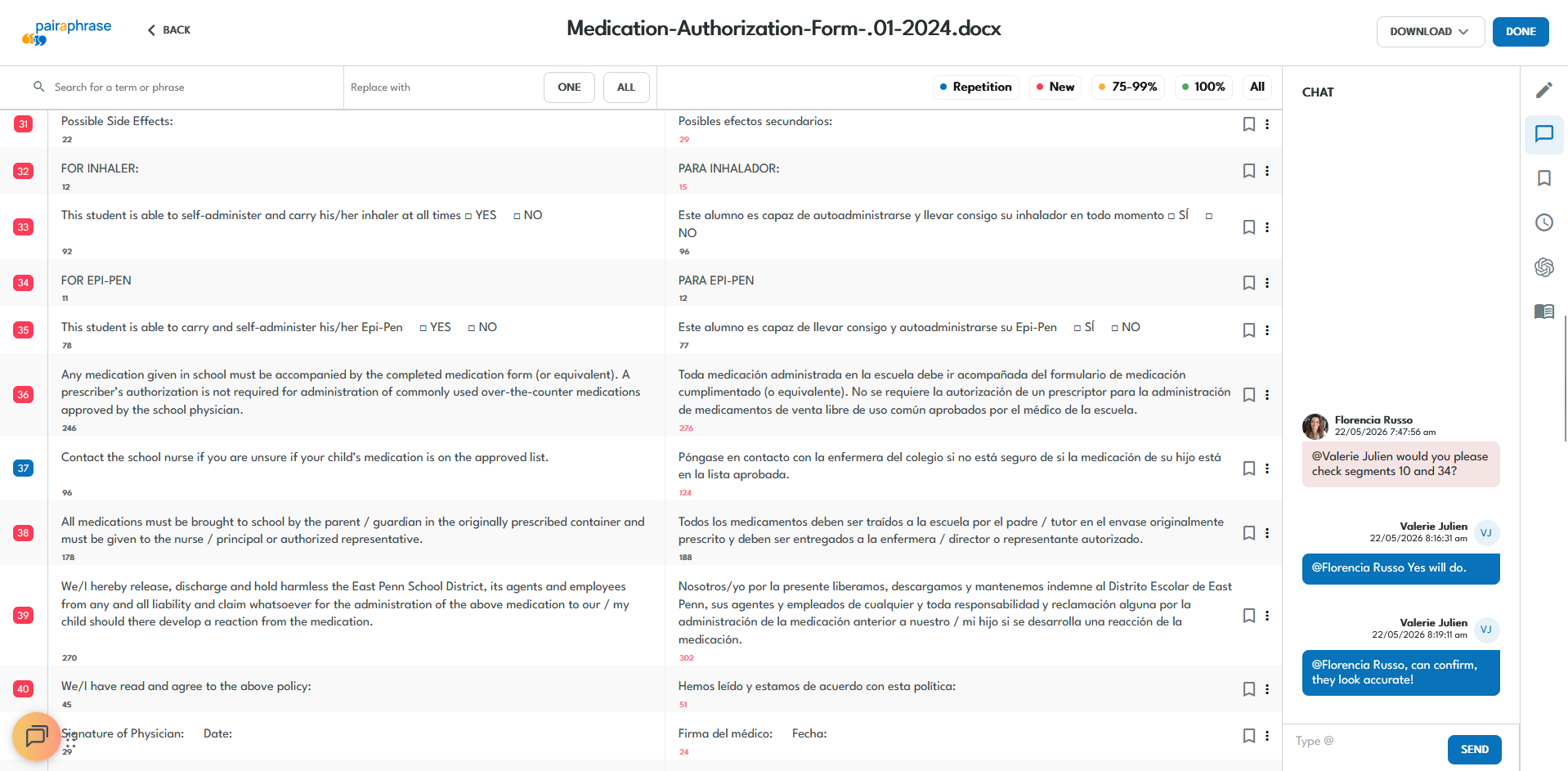
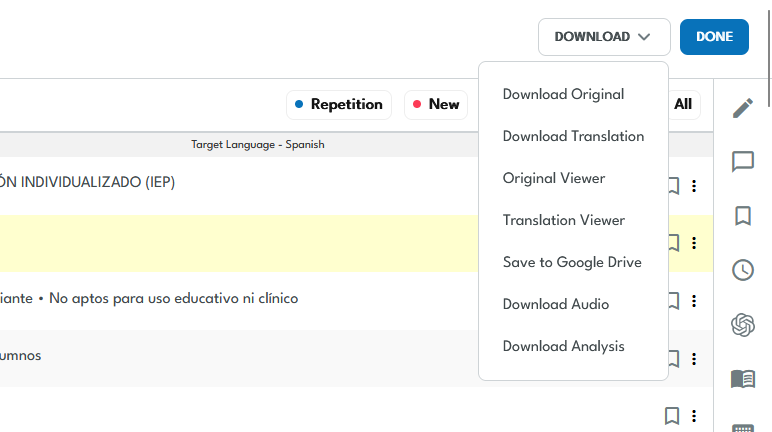
5. Preview and export
Check the translated Word document and supported formatting before exporting the DOCX file.
What teams translate in a Microsoft Word document

Policies and Procedures
Translate organizational policies and procedures while keeping approved terminology and document structure connected.

Manuals and Technical Guides
Manage long technical Word files that require terminology consistency, formatting support and subject-matter review.
Reports and Proposals
Translate reports, proposals and stakeholder documents while preserving supported headings, tables and visual structure.

Employee Communications
Translate onboarding guides, benefits information, notices and other recurring workforce documents.

Education Materials
Translate school communications, curriculum documents, forms and administrative materials for multilingual communities.

Legal and Regulated Documents
Manage Word files containing sensitive or controlled terminology within secure, reviewable translation workflows.
Keep human review connected to AI translation
Bring the right people into the Word translation workflow when content requires human verification or approval. Review translated segments in the Translation Editor while keeping reviewer activity connected to the project.

Internal Reviewers
Give authorized employees access when Word document translations require subject-matter review.
External Linguists
Bring approved language professionals into the workflow when specialized translation review is needed.
Reusable Reviewer Edits
Save approved translation changes so future Word documents can benefit from previous review work.Manage sensitive Word document translation with more control
Word documents can contain confidential employee, legal, financial, healthcare, education and business information. Pairaphrase keeps DOCX translation inside a secure, governed workflow with encrypted file handling, controlled access, private translation assets and human review.


Controlled Access
Manage who can access translation projects, Word files and organization translation resources.
Activity Visibility
Maintain visibility into translation, editing and reviewer activity through supported workflow controls.

Private Translation Assets
Control access to Translation Memories, glossaries and reusable organization-specific language.

Security and Compliance
Support sensitive DOCX workflows with encrypted data handling, access controls and compliance-aligned workflows for regulated content.
What customers say about document formatting and workflows
Outcomes from real DOCX translation workflows
See how organizations use Pairaphrase for DOCX translation at scale.

Pleasanton Unified School District
Pleasanton USD scaled recurring Microsoft DOCX translation while reducing translation costs and eliminating long document turnaround times.
- 93% lower translation cost per word
- $186,000 saved annually on DOCX translations
- 800+ hours saved annually
- 3-week document wait eliminated
Armtec
Armtec uses DOCX and IDML for technical translation workflows, combining file support, Translation Memory and collaboration across a lean internal team.
- $39,072 saved annually
- 22,000 words translated per month
- DOCX and IDML workflow support
- Content delivered without file-formatting issues

Carestream Dental
Carestream Dental uses DOCX with other technical formats while pairing initial translation with internal review for complex multilingual documentation.
- 80% lower translation cost
- $13,900 saved annually
- 300+ hours saved annually
- DOCX included in recurring technical translation

Choose the right Word translation workflow
Pairaphrase is designed for organizations with ongoing Word translation needs. For occasional DOCX translation, a lighter-weight option may be enough.
For recurring Word documents, Pairaphrase provides the translation management capabilities needed to build on previous work and manage translation across teams and projects.
Need occasional translation? Try the Free Word Document Translator →

See How Pairaphrase Fits Your Word Document Workflow
Bring us your DOCX files and translation requirements. We’ll show you how Pairaphrase fits your Word document workflow.