


/PairaVoice-Start-A-Conversation-nobg-md.png?width=200&height=300&name=PairaVoice-Start-A-Conversation-nobg-md.png)



















Google Workspace Translation with Pairaphrase
Translate Google Docs, Sheets, and Slides with Pairaphrase while keeping multilingual work connected to Translation Memory, glossaries, and managed translation workflows.

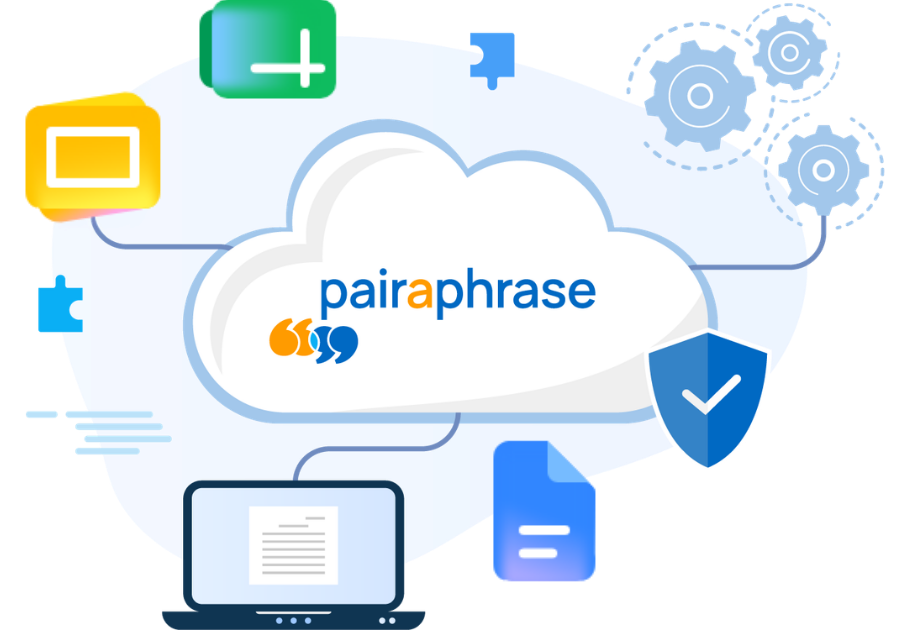
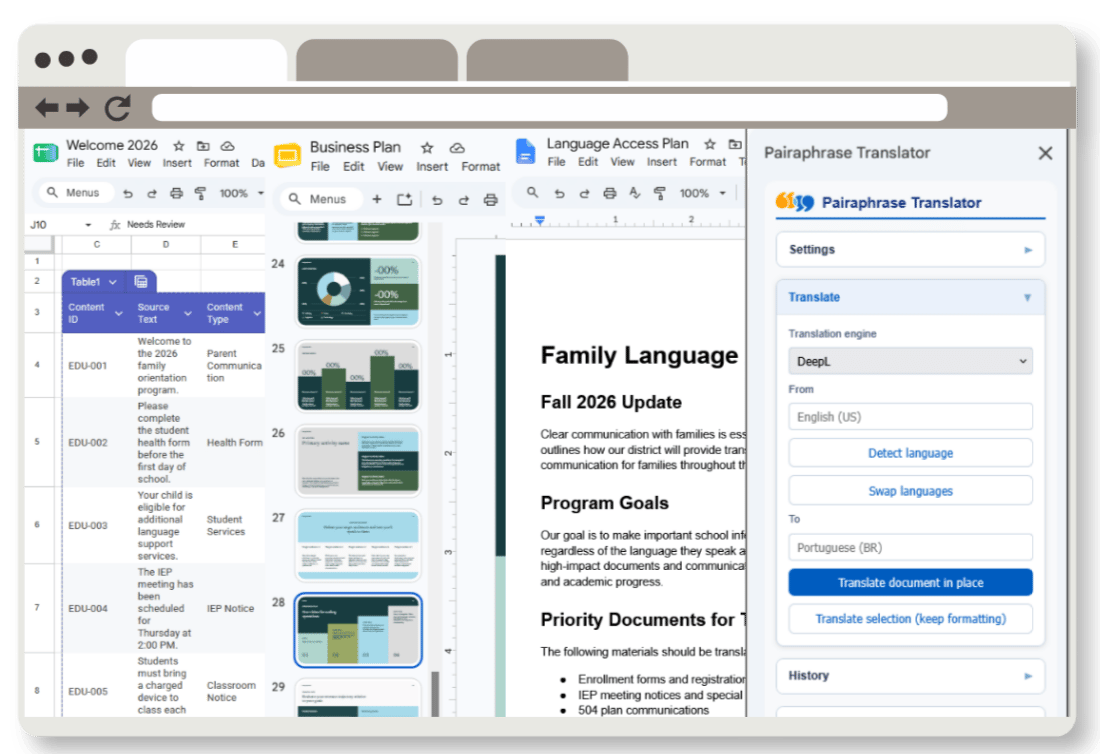
Pairaphrase for Google Workspace is an AI-powered translation integration that lets teams translate content directly in Google Docs, Google Sheets, and Google Slides. Teams can translate selected content or full files while using Pairaphrase Translation Memory, glossaries, supported translation engines, and account-based access.
Pairaphrase for Google Workspace is best for teams that regularly translate business documents, educational materials, presentations, spreadsheets, policies, internal communications, and other recurring multilingual content.
Google Docs
Translate documents, policies, communications, reports, instructions, and other text-heavy files.

Google Sheets
Translate spreadsheet content, tables, structured data, lists, labels, and recurring operational documents.

Google Slides
Translate presentation content for training decks, sales materials, internal updates, or education resources.

Translate selected content or full files
Some projects only need a sentence, slide, paragraph, or table translated. Others require a complete multilingual file. Pairaphrase for Google Workspace supports both workflows.
Users can translate selected content directly in their Google file or use a full-document workflow when they need a broader translated output. This gives teams flexibility for quick edits, recurring content updates, and larger translation projects.
Keep terminology consistent across teams
For organizations that translate content regularly, consistency matters. Pairaphrase helps teams go beyond one-off translation by connecting Google Workspace content to reusable translation resources.
Translation memory
Search existing Translation Memory and reuse previously approved segments so repeated phrases do not need to be translated from scratch every time.
Glossaries
Use glossary terms to help teams maintain approved terminology for products, departments, programs, policies, services, and recurring communications.
TMX and CSV support
Upload TMX files for Translation Memory workflows and CSV files for glossary workflows, helping teams bring existing language assets into the process.
.png?width=336&height=320&name=Illustration%20(3).png)

How it works
Pairaphrase for Google Workspace makes it easy to connect your account, choose your translation settings, and translate content directly from Google Docs, Sheets, or Slides.
1. Open the Pairaphrase translator
Open the Pairaphrase Translator while working in Google Docs, Sheets, or Slides.

2. Connect your Pairaphrase account
Sign in with Pairaphrase or enter a valid Pairaphrase API key.

3. Choose your languages and engine
Select the source language, target language, and translation engine.
4. Translate your content
Translate selected content, translate content in place, or use the full-document workflow.

5. Reuse approved language
Search Translation Memory and glossaries to keep terminology consistent across recurring multilingual content.
Feature highlights

Translate in Google Docs, Sheets, and Slides
Support multilingual work across documents, spreadsheets, and presentations.

Selected-content translation
Translate only the content you need, such as a paragraph, slide, table, or selected text.

Full-document workflow
Translate full files when you need a complete multilingual output or simply want to get the gist of a document, spreadsheet, or presentation in another language.

Translation engine selection
Choose from four translation engines based on your needs.

Translation Memory
Search and reuse approved translation segments to improve consistency over time.

Glossary support
Use glossary terms to help maintain approved terminology across teams, departments, and languages.


