


/PairaVoice-Start-A-Conversation-nobg-md.png?width=200&height=300&name=PairaVoice-Start-A-Conversation-nobg-md.png)




















ClassLink for Secure Pairaphrase Access
Pairaphrase supports ClassLink single sign-on to help schools and districts simplify access for authorized users while keeping authentication aligned with existing education technology workflows.

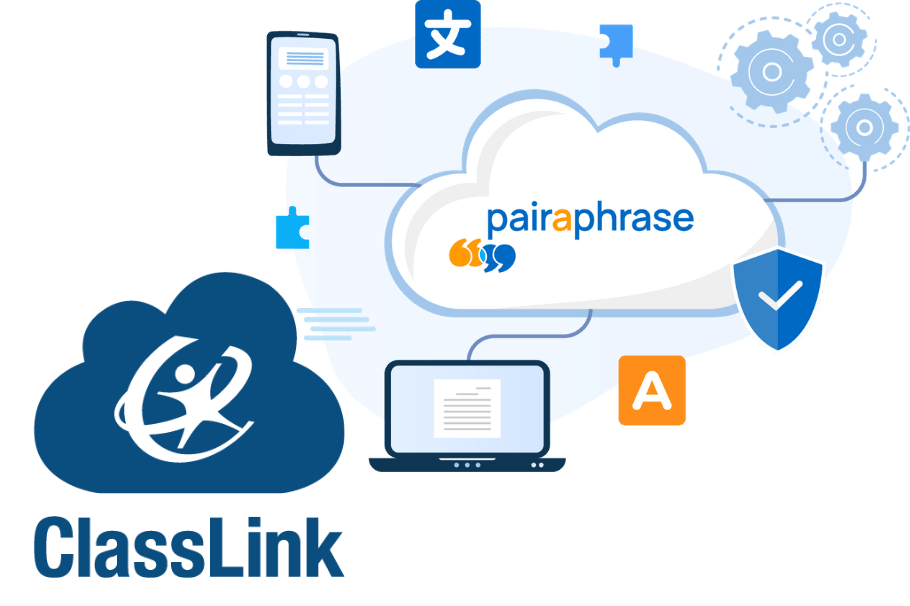
Support multilingual communication across your district
Pairaphrase helps schools and districts translate the documents and communications they rely on every day. Education teams can use Pairaphrase to translate IEPs, 504 plans, enrollment forms, health forms, handbooks, parent notices, classroom materials, report cards, permission slips, and other multilingual school communications.
With ClassLink SSO, approved users can access Pairaphrase more easily while still working within a secure, school-friendly access environment.

How Pairaphrase supports school translation:
- Translate complete school documents in a file-based workflow
- Support IEP, 504 plan, enrollment, administrative, and family communication translation
- Help preserve formatting in supported files to reduce manual rework
- Use Translation Memory and glossaries to reinforce approved terminology
- Support FERPA-aligned workflows for sensitive student and family information
- Give staff a centralized platform for recurring multilingual document needs
.png?width=336&height=320&name=Illustration%20(3).png)

How it works
Pairaphrase uses ClassLink SAML SSO to help approved education users access secure translation tools through their existing school or district login workflow.

1. Add Pairaphrase from the ClassLink SAML application listing
ClassLink administrators can add Pairaphrase as a SAML-based application within their ClassLink environment.

2. Configure access for approved users
Once Pairaphrase is added, schools and districts can make the application available to authorized staff and approved users according to their internal access process.

3. Sign in and start translating
Approved users can access Pairaphrase through ClassLink and use the platform for secure school document translation workflows.
For more information, visit our Knowledge Base: How to Access Pairaphrase Through ClassLink Single Sign-On
Feature Highlights

ClassLink-based access
Help approved users access Pairaphrase through the ClassLink environment your school or district already uses.

Reduced login friction
Make it easier for staff and authorized users to reach Pairaphrase without adding unnecessary sign-in complexity.

Built for education workflows
Support school and district translation needs across IEPs, forms, policies, parent communications, classroom materials, and more.

FERPA-aligned translation workflows
Support secure document translation processes for sensitive student and family information.

Translation memory and glossaries
Reuse approved translations and reinforce consistent terminology across recurring school documents and communications.

Centralized document translation
Give education teams a more organized way to manage multilingual document workflows across departments.


