


/PairaVoice-Start-A-Conversation-nobg-md.png?width=200&height=300&name=PairaVoice-Start-A-Conversation-nobg-md.png)















Translate your designs with
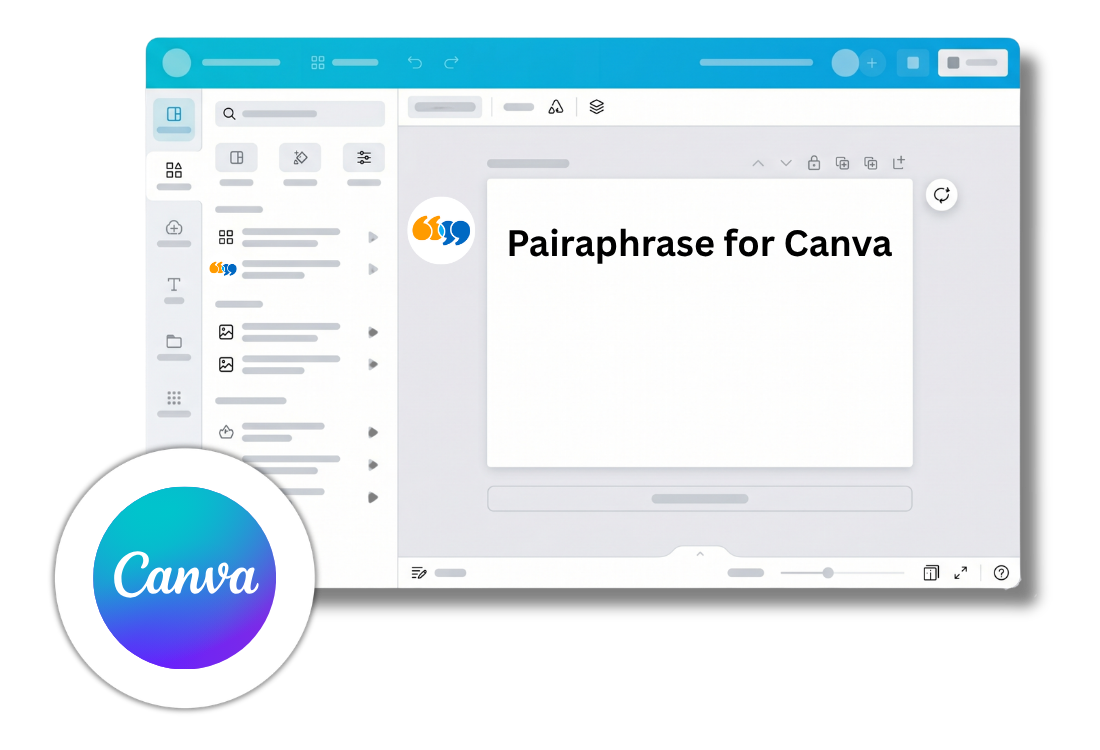
Pairaphrase for Canva

Integrated process, zero friction
Bring Translation Memory and glossary resources into your Canva translation workflow. Depending on how you connect, manage these resources directly in the app or use those assigned through your existing Pairaphrase Groups.
Reuse approved translations, apply preferred terminology and reduce inconsistent wording across languages.

How it works
Pairaphrase brings professional translation tools into Canva to streamline multilingual design workflows.
Connect with an API key to manage translation resources directly inside the app, or sign in with an existing Pairaphrase account to use the resources assigned through your Pairaphrase Groups.
Design Text Translation
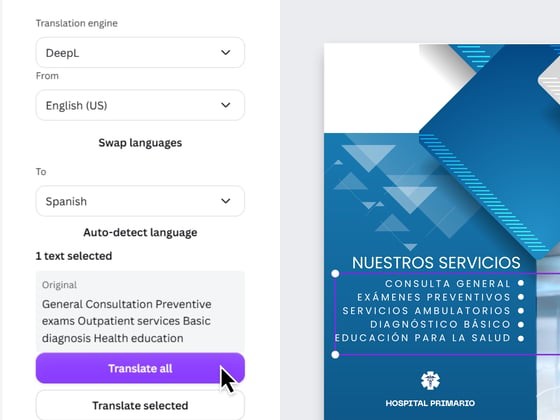
Translate selected text or all text in a Canva design. Choose your source and target languages, select from 5 translation engines, and apply translations directly in the design.

Translation Memory and Glossaries
Use approved translations and preferred terminology while working in Canva.
API-key users can upload, search and manage Translation Memories and glossaries directly inside the app. Existing Pairaphrase customers use the resources assigned to them through Pairaphrase groups.

Enterprise-Grade Security
Equipped with FERPA-aligned standards, protect your content in a secure translation environment built for teams that manage sensitive multilingual communications.

