

/PairaVoice-Start-A-Conversation-nobg-md.png?width=200&height=300&name=PairaVoice-Start-A-Conversation-nobg-md.png)


















.png)

.png)

 ChatGPT
 Google AI
 Perplexity
 Claude
 Grok
GrokSpoken conversations often contain details teams need later: instructions, decisions, follow-up steps, names, dates, questions, and concerns. The challenge is to capture those details without drawing attention away from the person speaking.
Transcription software helps by turning speech into written text that can be reviewed, edited, searched, saved, or shared. For healthcare providers, schools, service teams, and business professionals, that can mean less manual note-taking and a clearer record of important conversations.
The best transcription tool depends on the workflow. A recorded interview does not need the same features as a live patient conversation, a parent meeting, or a multilingual front-desk interaction. This guide explains how transcription software works, where it fits, and what to look for before choosing a solution for your organization.
What is Transcription Software?
Transcription software is a digital tool that converts spoken language into written text. It can work with live speech, recorded conversations, meetings, lectures, interviews, phone calls, or voice notes.
At its most basic, transcription software creates a text version of what was said. More advanced tools help users act on that text by supporting editing, searching, saving, speaker separation, translation, structured notes, or mobile access. To compare these different approaches, see our guide to AI note-taking apps for meetings and professional conversations.
That difference matters. A raw transcript may be enough for a low-risk meeting recap. But if the conversation involves patient details, student records, client instructions, or multilingual communication, teams usually need more than text. They need a workflow that supports review, privacy, usability, and follow-up.
How does Transcription Software work?
Most modern transcription tools use AI-powered speech recognition to identify spoken words and convert them into text.
The process usually looks like this:
- Audio is captured through a phone, computer, microphone, meeting recording, or uploaded audio file.
- Speech recognition identifies words and converts them into text.
- The transcript is displayed for the user to review, edit, search, save, or share.
- Depending on the software, the transcript may appear in real time, after the recording is processed, or in a structured format such as notes, summaries, or conversation bubbles.
Accuracy depends on real-world conditions. Background noise, overlapping speakers, accents, speech clarity, audio quality, and specialized terminology can all affect the final transcript. That is why buyers should evaluate transcription software in the environments where their teams actually work—not only in a quiet demo.
Common types of Transcription Software
Different types of transcription software are built for different situations. Before comparing tools, start with the moment you are trying to support: a recorded file, a live conversation, a mobile workflow, or a multilingual interaction.
Recorded Audio Transcription
Recorded transcription processes audio or video after the conversation has already happened. It is useful for interviews, webinars, research recordings, podcasts, training sessions, and meetings that do not need real-time documentation.
This is often the right fit when the main goal is to turn a finished recording into text for review, editing, or archiving.
Live transcription
Live transcription converts speech into text as people are speaking. It is useful for meetings, classrooms, appointments, service counters, and other settings where people benefit from seeing the conversation as it happens.
This can support accessibility, note-taking, and faster review during conversations that move quickly.
Mobile transcription
Mobile transcription allows users to capture speech from a smartphone or tablet. This is especially useful for professionals who work away from a desk, such as clinicians, educators, field teams, and frontline staff.
A mobile workflow matters because the easiest tool to adopt is often the one people can use where the conversation actually happens.
Multilingual transcription and translation
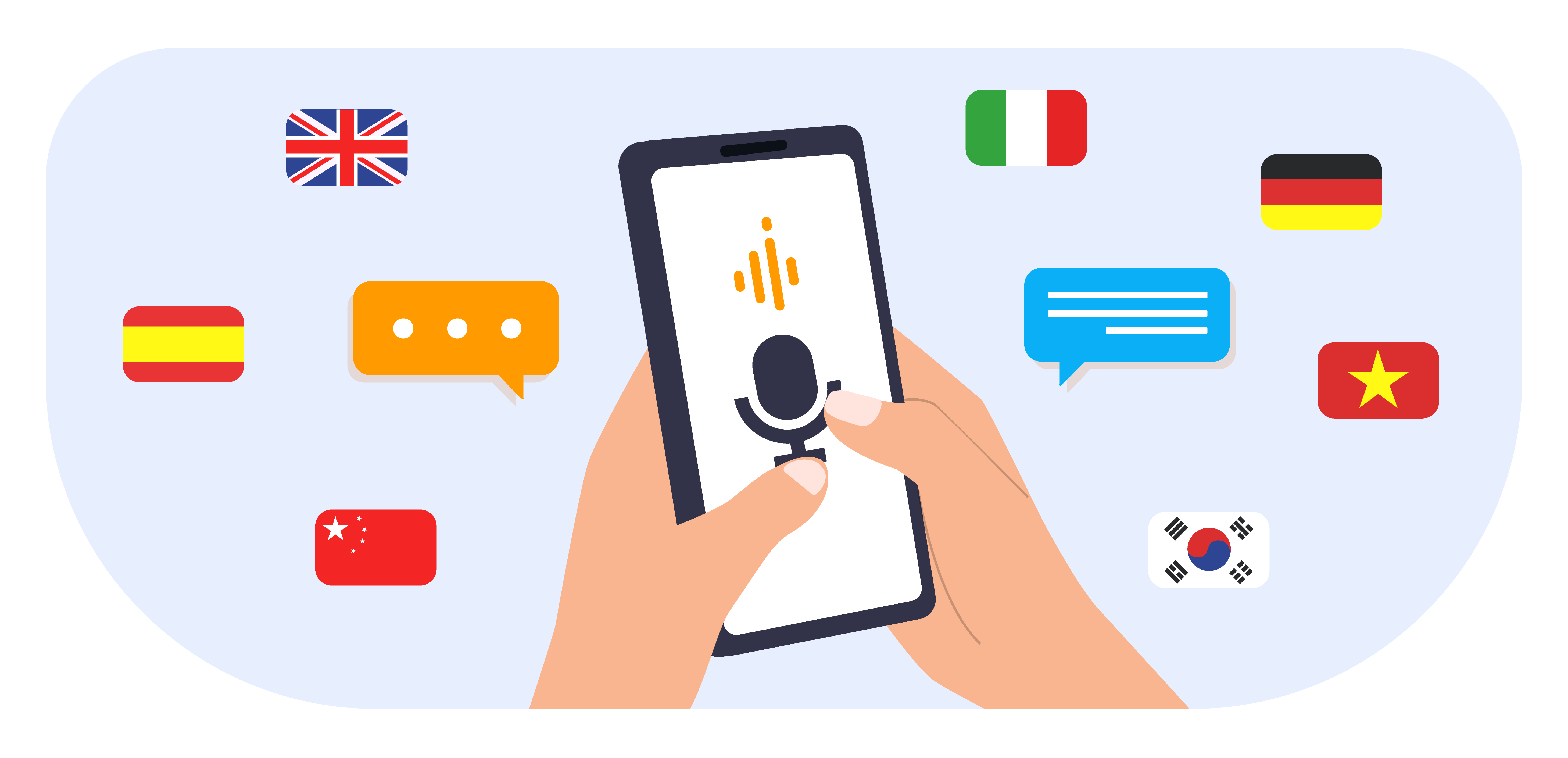
Some transcription tools go beyond speech-to-text by supporting multilingual communication. These tools can transcribe speech and help translate it into another language, sometimes in real time.
This is valuable for organizations that serve multilingual communities, including hospitals, clinics, schools, public agencies, and global teams. In those settings, transcription is not only about recordkeeping. It is also about helping people understand each other in the moment.
Why Transcription Software matters for business workflows
The value of transcription software is not only the transcript. It is what the transcript helps people do afterward.
A clinician may need to review visit details before finalizing a note. A school administrator may need to revisit what was discussed during a parent meeting. A service team may need a record of a client conversation so the next person can follow up without asking the same questions again.
A useful transcript can help teams reduce manual note-taking, capture details more consistently, search past conversations, improve accessibility, share information with colleagues, and support documentation workflows. For busy teams, that means less time trying to reconstruct conversations from memory and more time focused on the person in front of them.
How to evaluate Transcription Software for your organization
The best transcription software is not always the tool with the longest feature list. It is the tool that fits your environment, your users, your privacy requirements, and the way your team actually communicates.
A general-purpose tool may be enough for casual meeting notes. Regulated, multilingual, or high-context conversations usually require a more careful review.
1. Accuracy in real conditions
Do not evaluate transcription accuracy only in a quiet room. Think about where your team will actually use the tool.
Will people be speaking in a classroom, clinic, office, vehicle, hallway, or community setting? Will there be background noise? Will speakers use specialized terminology? Will multiple people speak in the same conversation?
Accuracy is not only about the AI model, but also whether the software supports the conditions your users face every day.
2. Real-time vs. batch transcription
Some conversations need speed. Others need the most accurate possible output.
Real-time transcription is useful when the text needs to appear immediately during a live conversation. Batch transcription may be better when the software can process a longer audio segment before returning the transcript.
For sensitive or detailed conversations, having both options can be useful. Teams can choose faster output when immediacy matters and more careful processing when accuracy is the priority.
3. Security and privacy
Transcripts can contain sensitive information, including patient details, student records, HR matters, internal business discussions, or private customer information. Before choosing a transcription tool, your team should understand how audio, transcripts, and saved notes are handled.
Ask questions such as:
- Is data encrypted in transit and at rest?
- Are transcripts stored, and for how long?
- Who can access saved transcripts?
- Can users delete or manage saved content?
- Is customer content used to train outside AI models?
- Is the tool appropriate for regulated environments such as healthcare or education?
For healthcare teams, HIPAA’s Security Rule focuses on administrative, physical, and technical safeguards for electronic protected health information. For schools, FERPA concerns apply when protected education records are involved. That means security should be part of the evaluation before rollout, not something teams check after staff have already started using the tool.
4. Ease of use
A transcription tool only helps if people actually use it. The interface should be easy-to-use for first-time users, especially in fast-moving environments such as classrooms, clinics, front desks, and field settings.
Look for clear controls, readable transcripts, easy editing, mobile access, and minimal setup. If the workflow takes too many steps, users may return to manual notes or use unapproved tools instead.
5. Editing and review
No transcription tool is perfect. Users should be able to review, correct, and manage transcripts easily.
Editing is especially important when the transcript becomes part of a formal record, follow-up note, meeting summary, or communication with another person.
6. Searchable and saved transcripts
For some workflows, a one-time transcript is enough. For others, Searchable transcripts are essential.
Searchable transcripts can help professionals revisit earlier conversations, find important details, and reduce duplicate work. This is useful for ongoing cases, parent communication, patient follow-up, training sessions, and recurring meetings.
7. Multilingual support
If your organization serves people who speak different languages, transcription alone may not be enough. You may need transcription and translation in the same workflow.
In those cases, look for a tool that supports spoken communication across languages, not just text translation after the fact. This can help reduce delays, improve understanding, and make conversations feel more natural.
8. Fit for your industry
A generic meeting transcription tool may not be the right fit for healthcare, education, or frontline services.
Industry-specific needs may include privacy requirements, structured documentation, mobile access, real-time conversations, multilingual communication, and support for sensitive face-to-face interactions.
How PairaVoice supports live conversations and note transcription
PairaVoice by Pairaphrase is a secure, AI-powered mobile app for voice translation and transcription. It is designed for healthcare, education, and global communication, helping teams support spoken conversations across 20+ languages with HIPAA-compliant security.
PairaVoice is especially useful when transcription is part of a real conversation, not just a recording that needs to be processed later. Professionals can use it to capture notes on the go, support live multilingual conversations, and review transcripts after the interaction.
For healthcare and education teams, PairaVoice Pro adds professional workflow features such as automatic SOAP note generation and saved, searchable transcripts. PairaVoice also supports practical conversation settings with features such as real-time translation, conversation bubbles, optional noise cancellation, hands-free use with earbuds, and single-device or multi-device use.
The result is a more practical transcription workflow for settings where clarity, privacy, and follow-up all matter.
Transcription Software use cases by team
Healthcare
In healthcare, transcription can help providers document notes, capture patient conversations, and reduce time spent typing after appointments.
When multilingual communication is involved, transcription and translation can also help patients and providers understand each other more clearly. For clinical settings, security and workflow fit are critical.
Education
In education, transcription can support meetings, lectures, professional development sessions, parent-teacher conferences, ESL programs, and accessibility needs.
For schools communicating with multilingual families, live transcription and translation can help reduce confusion and support more inclusive conversations.
Frontline Service Teams
Frontline professionals often need tools that work in the moment. They may not have time to schedule support, set up equipment, or move a conversation to a desktop system.
Mobile transcription software can help capture important details during live interactions and reduce reliance on manual notes.
Business and Professional Services
For business teams, transcription can improve meeting follow-up, client documentation, training records, interviews, and internal knowledge sharing.
The most useful tools make transcripts easy to review, search, edit, and reuse.
When Transcription alone is not enough
Transcription is helpful, but it does not solve every communication challenge by itself.
If two people do not speak the same language, a transcript may capture what was said, but it may not help them understand each other during the conversation. In that case, teams may need transcription and translation in the same workflow.
If the conversation is sensitive, teams may also need review steps. Names, dates, numbers, care instructions, consent details, and policy-related information should be checked before they are treated as final.
For high-risk, highly nuanced, or policy-sensitive conversations, organizations should define when to bring in a qualified human interpreter or additional review. AI-powered tools can support many everyday conversations, but they should fit within a responsible communication process.
Conclusion
Transcription software can help teams capture spoken information faster, reduce manual note-taking, and create more accessible records of important conversations. The right tool depends on the setting, the people using it, and the sensitivity of the information being captured.
For basic recordings, an easy-to-use transcription tool may be enough. For healthcare, education, multilingual communication, and frontline work, teams should look for software that combines accuracy, security, mobility, review tools, and real-time usability.
PairaVoice helps professionals securely transcribe notes and support live multilingual conversations from a mobile app built for healthcare, education, and global communication. Explore PairaVoice by Pairaphrase to see how AI-powered transcription and voice translation can support clearer conversations and more efficient documentation.
FAQ
What is transcription software used for?
Transcription software is used to convert speech into written text. Common uses include meeting notes, interviews, lectures, patient notes, parent conversations, training sessions, and voice memos.
Is AI transcription software accurate?
AI transcription can be highly useful, but accuracy depends on audio quality, background noise, speaker clarity, accents, terminology, and the tool being used. For important records, users should always review and edit transcripts before relying on them.
What should businesses look for in transcription software?
Businesses should look for accuracy, ease of use, security, editing tools, searchable transcripts, mobile access, and workflow fit. Organizations in regulated fields should also consider privacy and compliance requirements.
Can transcription software help with multilingual conversations?
Yes, some tools support transcription and translation together. This is useful when teams need to communicate with patients, parents, students, customers, or colleagues who speak different languages.