

/PairaVoice-Start-A-Conversation-nobg-md.png?width=200&height=300&name=PairaVoice-Start-A-Conversation-nobg-md.png)
















.png)

.png)

 ChatGPT
 Google AI
 Perplexity
 Claude
 Grok
GrokWant the best AI translation tools for your organization’s multilingual communication needs?
Maybe the legal team just sent over a 30-page document that needs to be translated into three languages—by Monday. Or your marketing team wants localized versions of next month’s ad campaign. And your IT lead is asking whether any of it can be done securely.
Welcome to the reality of modern translation needs and why enterprise AI translation tools have become essential for organizations managing multilingual content at scale.
Which types of AI translation tools does this guide cover?
This guide covers today’s most widely used AI translation tools—including Lara Translate, DeepL, Google Translate, Smartling, Lokalise, Phrase, LILT, XTM Cloud, QuillBot, and ChatGPT. We cover how enterprise teams actually use these.
We’ll also highlight where many popular AI translation tools fall short for security, compliance, and document workflows, and how platforms like Pairaphrase are designed to address those enterprise gaps.

Background: our evaluation of AI translation tools
In 2026, AI translation tools and Machine Translation (MT) platforms have come a long way from the days of copying and pasting text into Google Translate.
Today, teams need secure, smart platforms that don’t just spit out words. You need tools that help you translate full documents, preserve formatting, manage terminology, and actually collaborate.
As language industry veterans with 20+ years of experience and developers of enterprise AI translation software, we decided to test them all. We’ve seen what breaks under pressure. And we’ve seen what works.
So, we’re going to share what we’ve found in our first-hand research.
What you’ll learn
In this post, we rank and break down the 22 top AI translation tools for businesses—including pros, cons, and standout features.
Here’s what we’ll walk through in this guide:
-
The 22 best AI translation tools for enterprises/organizations
-
Pros and cons of each tool, from accuracy to security to speed
-
Standout features that make a tool worth considering
-
Which tools work best for documents, websites, customer support, and more
-
How platforms like Pairaphrase integrate ChatGPT securely for assistant-level help
In a rush to translate? Explore Pairaphrase’s AI Translation Management System now.
Not sure where to start? Review these tools for AI Translation
Choosing the right AI translation tool means balancing speed, accuracy, and data privacy. Especially when you’re working with confidential files or multilingual content at scale, finding the right tool is a necessity.
For enterprise teams, the best AI translation software must also support the translation of real documents, collaboration, and compliance—not just raw text output.
|
Best for… |
Tool |
Pros |
Cons |
|
Context-aware AI translation across 200+ languages |
Lara Translate |
Reads full context and intent for natural output; adaptive Translation Memory and glossary support; API |
Fewer built-in team collaboration features than a full TMS |
|
High-quality Machine Translation for Western European languages |
DeepL |
Human-like translation; glossary support; secure |
Limited language and file support; no batch processing |
|
Quick translations on the go |
Google Translate |
Free; fast; supports text, voice, and images |
Not secure; poor formatting retention |
|
Marketing & design Localization |
Canva Translate |
Translate visuals directly in-app; fast and easy |
Not suited for formal or legal content; quality and file type limitations |
|
Enterprise website/app Localization |
Smartling |
In-context preview; full TMS workflow, CMS integrations |
Complex setup; overkill for small teams |
|
Live multilingual meetings & events |
Wordly |
Real-time captioning; glossary support; event platform integrations |
Not for documents; requires setup |
|
Blended AI + human review workflows |
Unbabel |
Combines automation and human QA; integrates with support tools |
Slower than pure AI; narrow focus on customer experience use |
|
Best all-around for secure AI translation + human review |
Pairaphrase |
Built for teams; easy-to-use, secure, compliant; ChatGPT integration; preserves formatting |
No free plan; no offline mode |
→ Just one translation with Pairaphrase can cover your annual subscription! Ask us about it in your demo.
Whether you need a lightweight AI translator tool for quick tasks or a complete platform for collaborative workflows, there’s a solution here for every kind of team.
Need an AI translation tool that checks more than one box?
While each of these AI translation platforms excels in a specific area, Pairaphrase stands out for covering all of the above, from secure document handling to real-time team collaboration. That’s why it's our top choice for enterprise translation.

16 Must-Have Features in AI-Powered Translation Tools for Enterprises
Many AI translation tools offer one or two of the features below. Whether you’re translating employee handbooks, legal contracts, or multi-language websites, your business deserves more than a consumer-grade translator.
What’s offered in enterprise AI translation tools?
Enterprise AI translation tools offer better security, efficiency, and collaboration features to help you deliver professional-quality translations at scale.
Before we dive into the list of top tools for AI translation, here are key features every serious AI translation platform should offer for enterprises:
Core document capabilities
-
Broad Language Coverage — Includes all dialects relevant to your business.
-
High-Quality File Translation — Handles Word, Excel, PDF, PowerPoint, scanned docs, and more.
-
In-Browser Post-Editing — Offers side-by-side editing for Translation Memory (TM) creation.
-
ChatGPT/LLM integration — Use GenAI to refine tone, cultural nuances, and accuracy.
-
Gisting — Quickly summarize or preview chunks of text.
-
Translation Memory + Reuse — Save edits and reuse across files.
-
Batch File Support — Translate dozens of files at once.
At the enterprise level, AI document translation must handle real-world files at scale: preserving layouts, supporting batch workflows, and allowing teams to review and reuse translations across documents.
Consistency & collaboration
-
Terminology Management — Control brand-specific language and glossary terms.
-
Formatting Preservation — Retain much of your fonts, spacing, and layout.
-
Cloud-Based Collaboration — Shared editing, version control, approval flows.
-
Multiple File and Language Input — Translate multilingual content in one step.
-
Real-Time Support + Onboarding — Fast setup and helpful customer success.
For language service providers and global teams, Translation Management with AI enables faster turnaround by combining automation with collaboration, reuse, and quality control across projects.
Security, compliance & integrations
-
Enterprise-Grade Security — MFA, SSO, encryption, and 3rd-party penetration testing.
-
Compliance — GDPR, ISO, FERPA, PCI DSS, SOC 2 Type 2, HIPAA compliance.
-
Google Drive and/or Microsoft Integration — Translate directly from cloud storage.
-
API Access — Automate translations or integrate into workflows.
For organizations handling sensitive or regulated content, a secure AI translation platform is not optional—it’s the foundation that allows teams to use AI without risking data exposure or compliance violations.
Translation security with human oversight
Even with advanced AI capabilities, quality and oversight still matter, especially for high-stakes enterprise content.
While some studies have claimed that Machine Translation rivals human output, research from EMNLP 2018 shows a different picture when documents are evaluated as a whole rather than sentence by sentence.
In these broader evaluations, human translations still outperform machine translations, particularly in fluency and adequacy. Therefore, it’s always important to understand your tool’s features holistically and how they complement each other.
→ Related reading: LLM Translation Pros & Cons
22 best AI translation tools for your enterprise
1. Pairaphrase
Yes, Pairaphrase is our own AI translator tool – so this is a shameless plug. But hear us out. First and foremost, Pairaphrase was designed to address the gaps we observed in most enterprise AI translation tools.
Pairaphrase is purpose-built for enterprise Translation Management, combining AI translation and speed with powerful (yet easy-to-use) features for teams.
You need a platform that helps your team move faster—without compromising quality or security. That’s where Pairaphrase comes in.
Pairaphrase is built for teams that rely on AI document translation to securely translate, review, and manage complex files. This includes confidential health or educational materials, legal contracts, HR documents, training guides, and internal communications.
If that’s your world, this tool will feel like it was made for you.
As noted in the Cascades Journal of Research, organizations benefit most when AI tools are integrated into platforms that support secure collaboration and task-specific workflows.
It’s particularly beneficial in settings that handle sensitive or regulated content.
Key features of Pairaphrase:
-
Batch file translation
-
Automatic file formatting preservation
-
PairaphraseGPT translation assistant (Generative AI)
-
Robust editor with Translation Memory, Glossary & edit history
-
Real-time team collaboration + comment tools
-
Powerful AI translation API for integrating secure translation into internal systems, apps, and automated workflows.
-
Enterprise security
-
Compliance (HIPAA, FERPA, GDPR, ISO 27001, PCI DSS, and all data is handled with SOC 2 Type 2 security protocols)
For healthcare organizations, using HIPAA-compliant translation software is essential when translating patient-facing materials, clinical documentation, or internal communications.
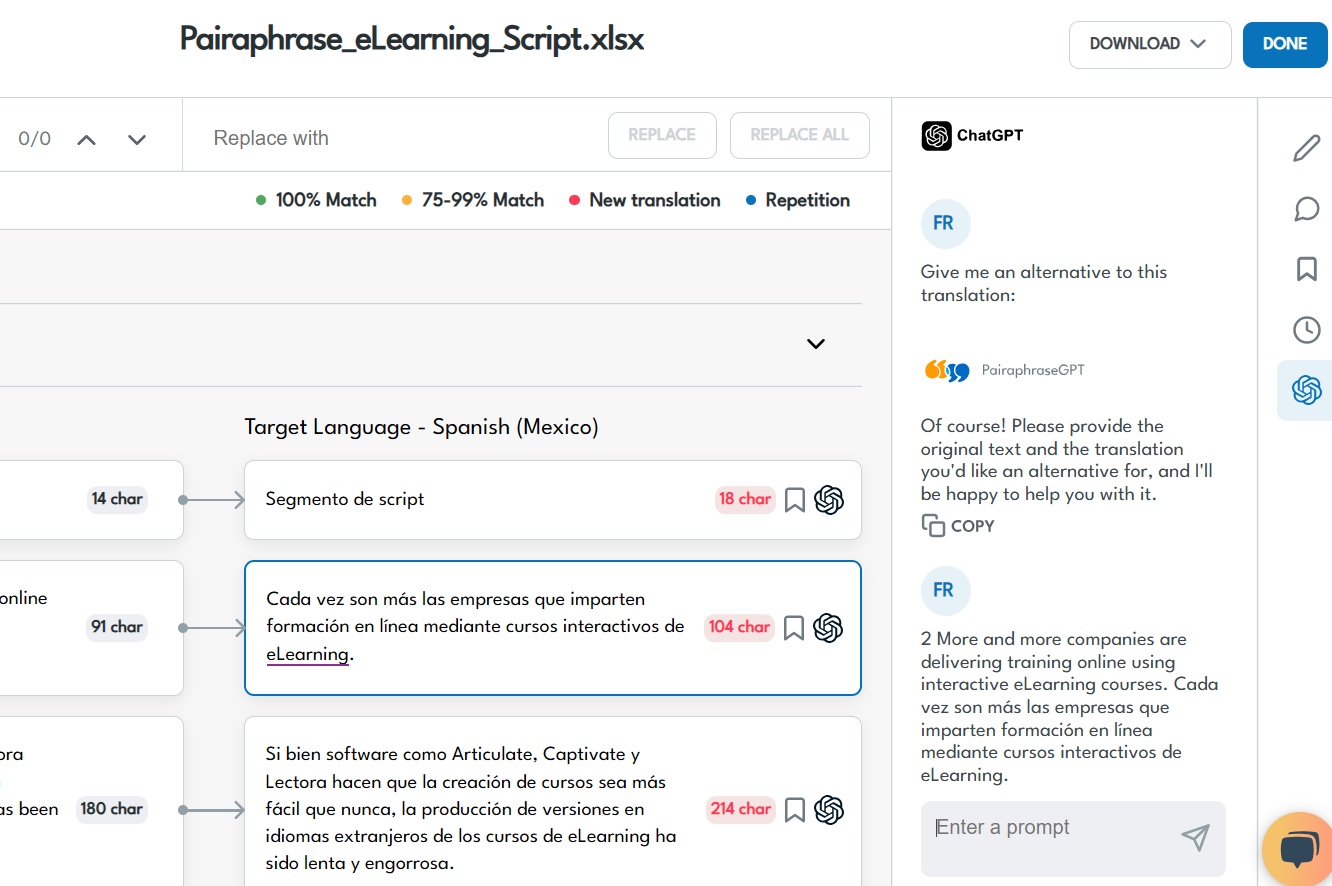
Pairaphrase's ChatGPT integration: specially trained for the context of translation and localization.
Pros:
-
Built for enterprises with security and efficiency at its core
-
Easy post-editing and Terminology Management
-
Excellent customer support
Cons:
-
No free plan
-
No offline mode
-
No human translation services
Combining translation tools to support enterprise teams
While many AI translation tools focus solely on speed, Pairaphrase combines AI efficiency with enterprise security, document workflows, reusable translations, and API integrations. This makes it purpose-built for real-world organizational use.
This combination makes Pairaphrase particularly well-suited for enterprise teams, LSPs, healthcare organizations, and educational institutions that need secure, repeatable, and scalable AI translation.
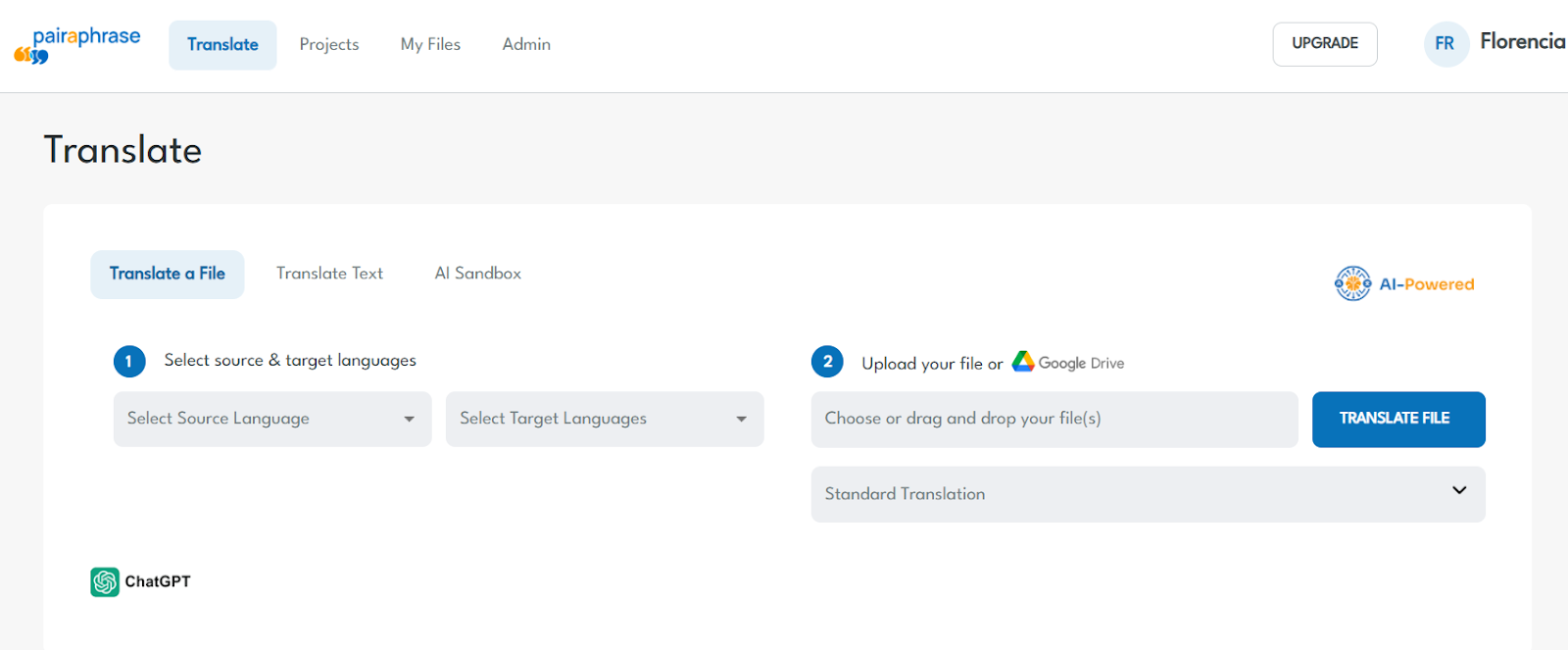
→ Ready to see Pairaphrase in action? Schedule a Demo.
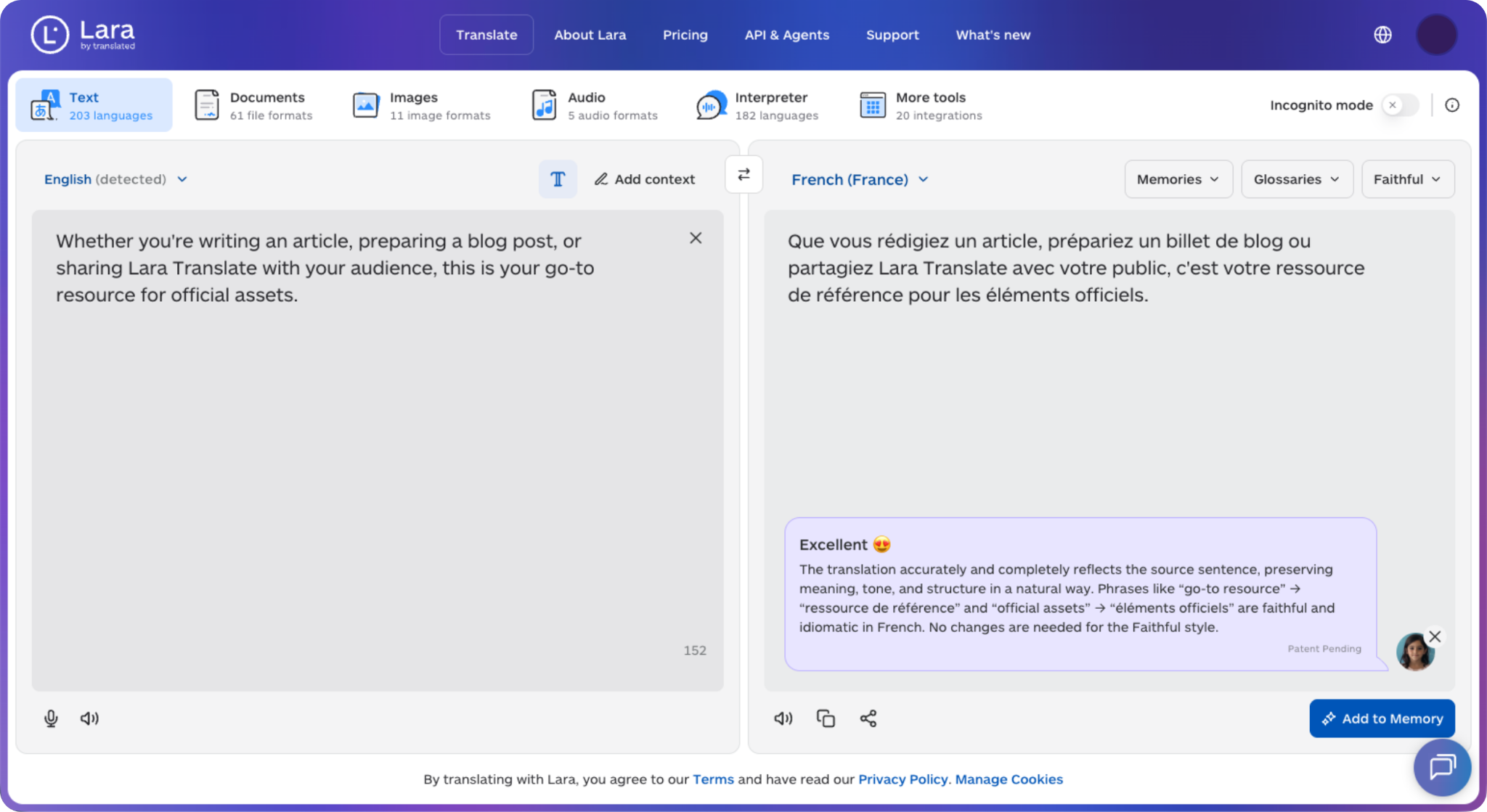
2. Lara Translate
Lara Translate is an AI translation tool built by Translated, one of the longest-running names in the language industry. It pairs large language models with decades of professional translation data, so it reads the full context of a sentence before deciding how to translate it.
Lara Translate works well when meaning and tone carry real weight, like marketing copy, support content, or documents headed for a global audience. It supports 200+ languages and offers real-time translation, document translation, and an API for teams that want translation built into their own workflows.
Is Lara Translate a fit for enterprise teams?
Lara Translate is built for enterprise use, with an API, adaptive Translation Memory, and glossaries that keep terminology consistent across high volumes. It focuses on translation quality and context rather than acting as a heavy, linguist-led TMS, so teams that want human-grade output without a complex setup tend to see value quickly.
Key features of Lara Translate:
- Context-aware translation that considers surrounding text and intent
- Adaptive Translation Memory and glossary support for consistency
- 200+ languages, with real-time and document translation
- Developer API for integrating translation into apps and workflows
Pros:
- Natural output that accounts for context and tone
- Backed by Translated and its 20+ years of language expertise
- Flexible API and real-time options
Cons:
- Fewer built-in team collaboration features than a full TMS platform
- No offline mode; cloud and API based
- Newer platform still expanding its integrations
Learn more about Lara Translate.
3. DeepL
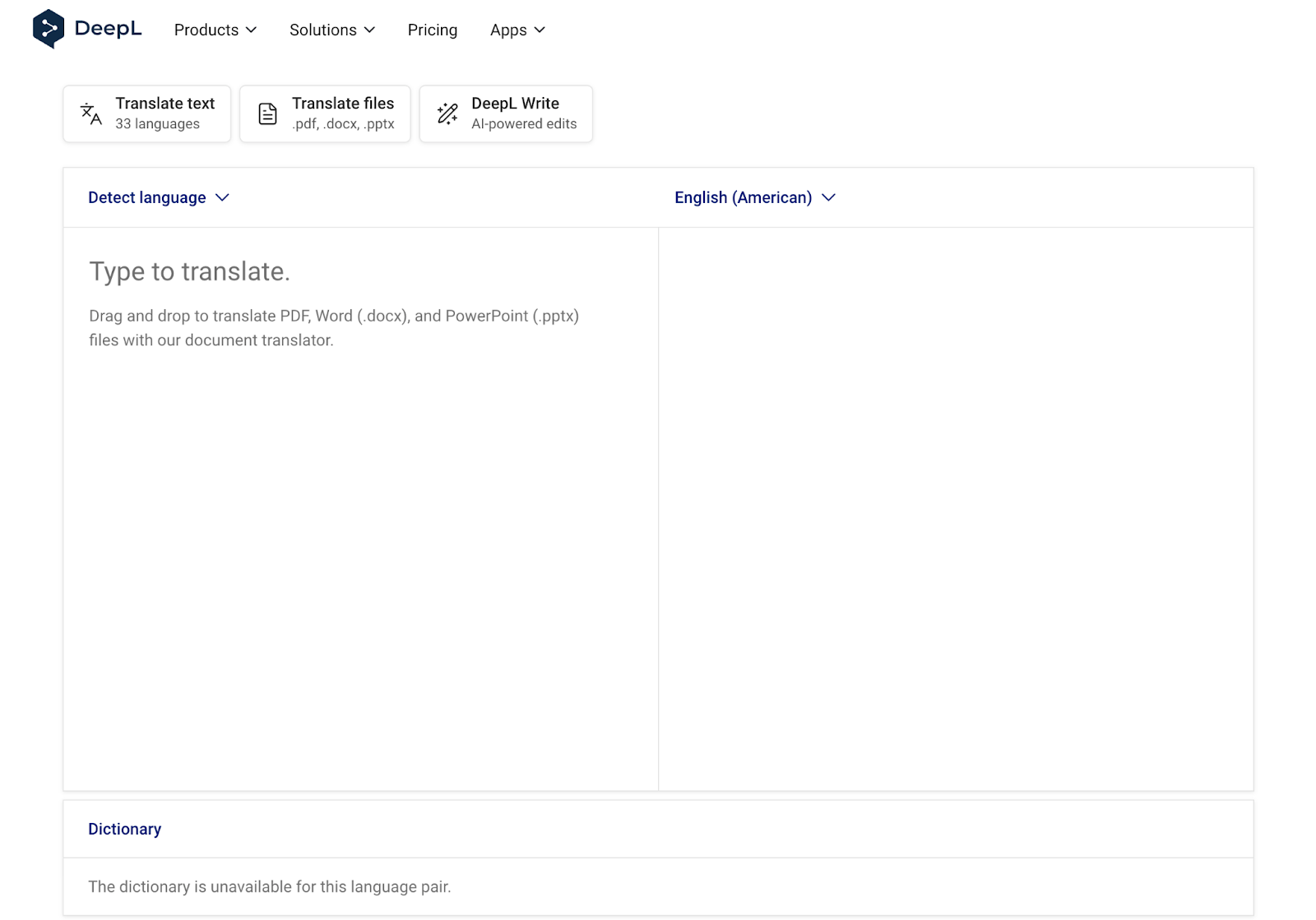
DeepL is one of the well-known tools out there. It's gained a reputation for delivering more natural-sounding output for Western European languages amongst the biggest names in translation.
DeepL shines in situations where tone and nuance matter—like product copy, press releases, or legal documents that can't afford to be "off" by even a word. Their Pro plan also includes a secure, GDPR-compliant setup with SSO, glossary tools, and an API for automation.
DeepL limitations for enterprise-level translation needs
While DeepL is strong in language quality, it’s less comprehensive in file types and batch processing. You won’t find collaborative editing or version history here, so it’s best for individuals or small teams.
As AI translation software, DeepL excels at linguistic quality but lacks many of the workflow and collaboration features enterprises expect from full translation platforms.
→ FYI, you can use DeepL inside of Pairaphrase for the best of both worlds.
Key features of DeepL:
-
Known for highly accurate, human-like translations
-
Glossary feature for consistent terminology
-
Secure document translation with formatting preservation
-
SSO and API access for enterprise teams
Pros:
-
Excellent language quality across supported languages
-
Intuitive interface
-
Privacy and security controls (with Pro)
Cons:
-
Fewer file types and workflow features than enterprise platforms
-
Limited collaboration options
-
Language pair exceptions
Dive deeper into our evaluation of DeepL for professional translation.
4. Google Translate
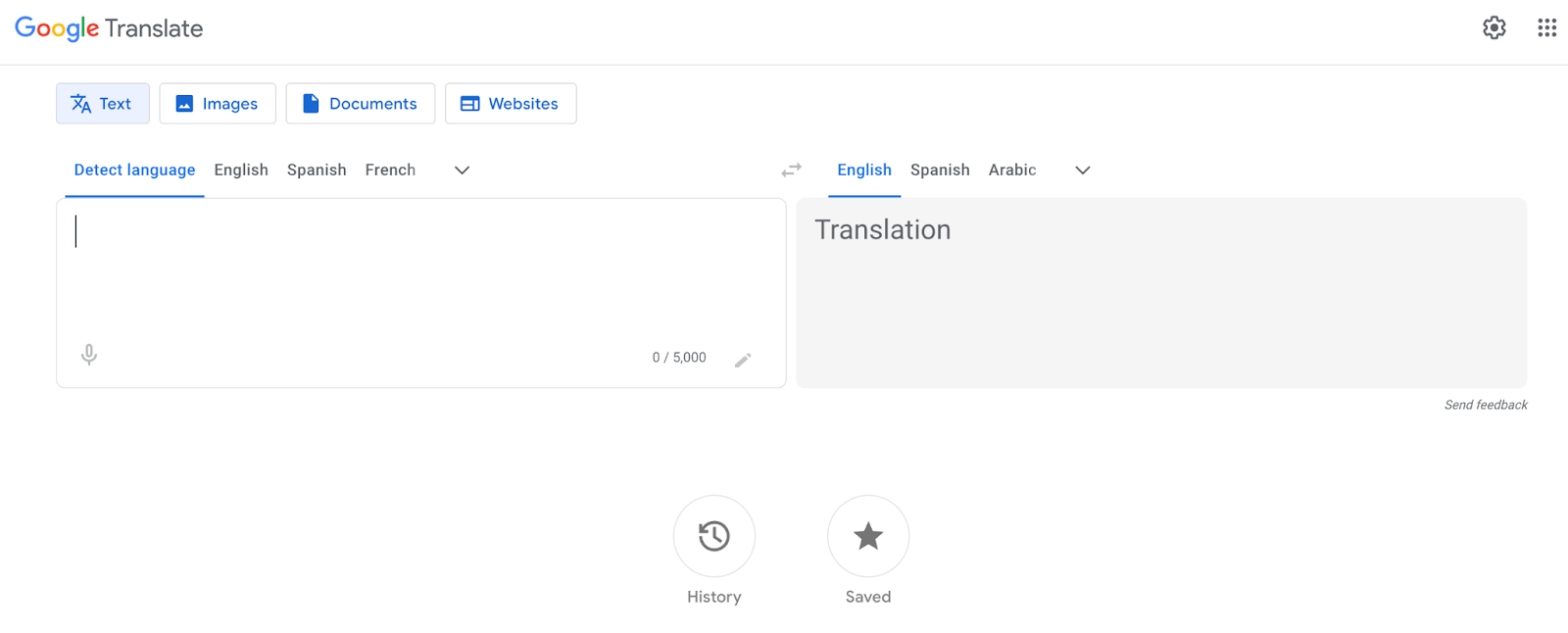
Let’s be honest: Everyone’s used it. Google Translate has become the go-to option for quick translations, and it’s not going anywhere.
While it’s often people’s first exposure to AI translation software, Google Translate is designed for convenience, not enterprise workflows, document fidelity, or data governance.
For teams that just need to understand the gist of a document, email, or webpage—and don’t mind cleaning things up later—this is a free, fast translation solution.
It also has one of the world's largest language databases and supports image, handwriting, voice, and real-time camera translation.
Is Google Translate okay for business use?
Google Translate alone isn't built for business or workplace use. There’s no Translation Memory, no formatting retention, and minimal privacy control. If you're working on a sensitive internal doc, it's probably not the right choice.
This is why enterprises often move away from consumer tools toward a secure AI translation platform that protects confidential documents while delivering speed and scale.
→ FYI, you can use Google Translate inside of Pairaphrase with security and compliance parameters intact.
Key features of Google Translate:
-
Translates 100+ languages across text, voice, images, and handwriting
-
Website and real-time conversation translation
-
Free and accessible on mobile, web, and browser
Pros:
-
Extremely easy to use and always available
-
Great for personal use or quick reference
-
Offline capabilities for global travel or field work
Cons:
-
Not secure enough for confidential or enterprise use
-
Accuracy can dip for specialized content
-
Lacks collaboration and formatting support
5. Canva Translate
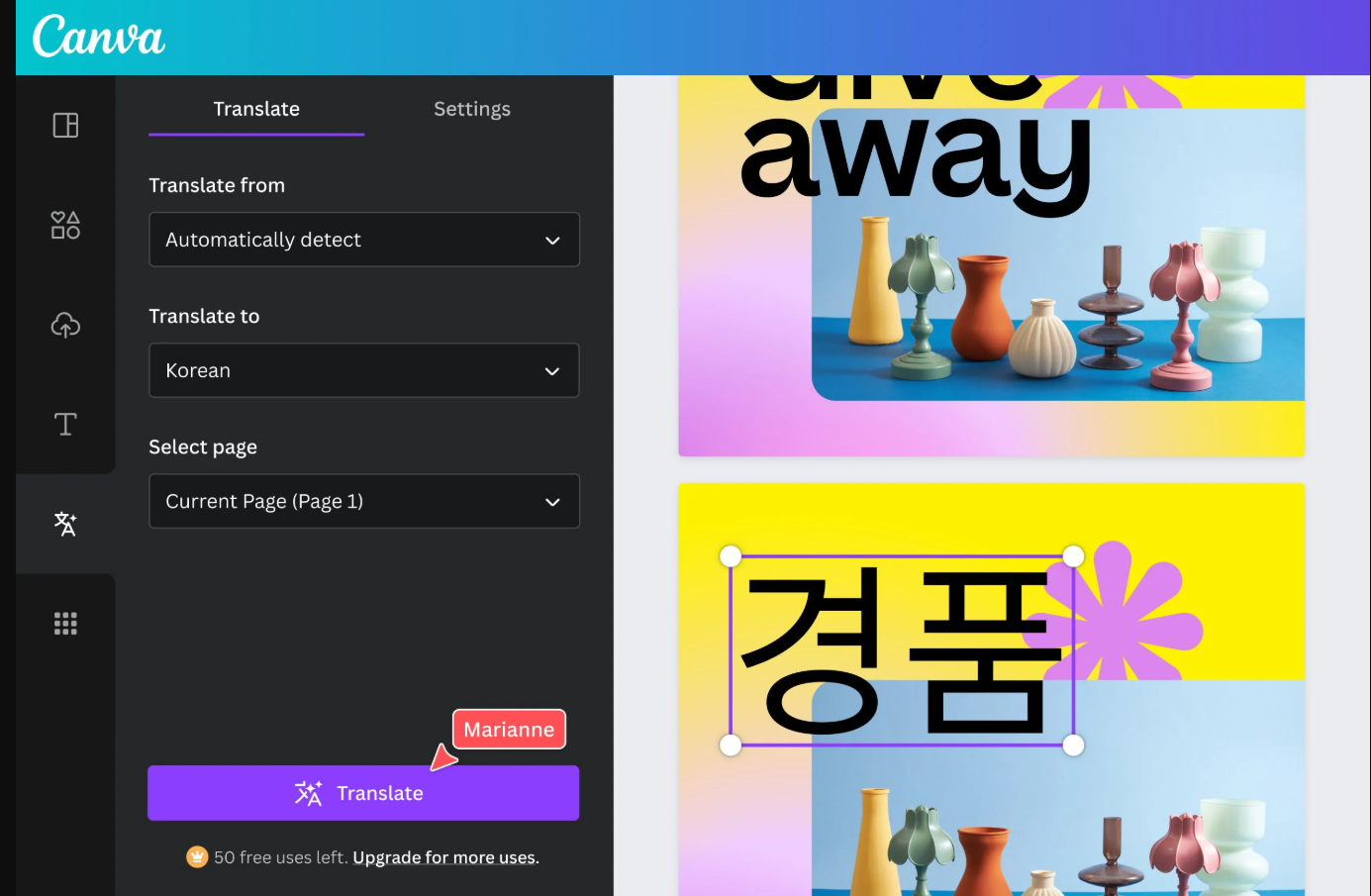
Canva Translate is a surprisingly useful addition to the design platform’s growing toolkit—especially for marketing teams working across regions. Unfortunately, there are obvious limits.
First, the benefits. Instead of exporting copy from a presentation or graphic for separate translation, Canva lets you apply translations directly in your design. That means your team can launch multi-language versions of social posts, reports, or pitch decks in minutes.
Is Canva Translate suitable for enterprise use?
Canva Translate is only best for surface-level translation. You won’t get in-depth language accuracy or editing tools. You’ll also struggle with manual formatting once translations involve language growth.
Plus, it’s not great for docs outside of Canva.
Key features of Canva Translate:
-
Translate directly inside Canva designs without leaving the app
-
Supports 130+ languages
-
Built-in integration with an AI translation engine (Google Translate)
Pros:
-
Extremely fast for visual content Localization
-
No extra tools or plugins required
Cons:
-
Not suited for legal, technical, or long-form content
-
Limited control over tone, terminology, or format
-
Limited to one translation engine (Google Translate)
-
Doesn’t allow you to reuse translations you’ve edited
Dive deeper into the disadvantages of Canva Translate for professional translation.
6. ChatGPT
While it’s not a traditional translation platform, ChatGPT has become a go-to resource for teams needing flexible, nuanced translations—especially when tone and context matter.
With the right translation prompt, ChatGPT can help translate tone, simplify complex text, adapt to cultural nuance, and even preserve formatting (if you guide it). It’s handy for localizing customer-facing copy or adjusting formal/informal tone for different audiences.
Is ChatGPT suitable for enterprise translation?
With ChatGPT alone, translation is not suitable for enterprise translation, as it’s still a fairly manual process and not secure. You’ll want to double-check output for accuracy, especially on high-stakes content. Plus, the default web experience isn’t built for enterprise compliance.
→ Pairaphrase solves this by integrating ChatGPT into a secure enterprise translation workflow. This allows teams to reuse translations, edit them easily, and meet governance, auditability, and data protection requirements without sacrificing generative flexibility.
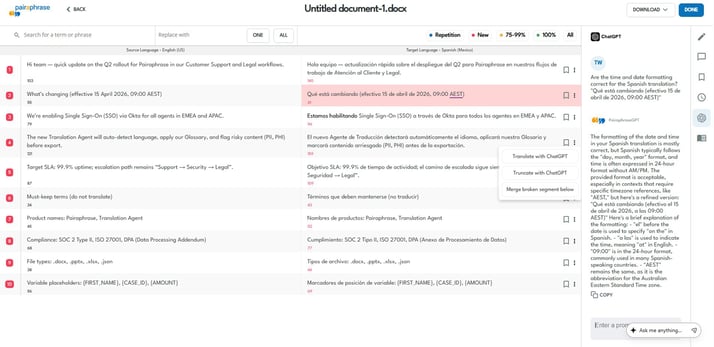
Pairaphrase’s AI translation agent assisting with the translation process
Key features of ChatGPT for translation:
-
Multilingual translation via natural language prompts
-
Integration-ready via OpenAI API
Pros:
-
Extremely flexible and creative
-
Fast, iterative translation for short or exploratory content
Cons:
-
No native document translation features
-
Requires careful prompting and review
-
Data privacy depends on how/where you use it
-
Manual process back and forth (copy-paste text)
7. Amazon Translate
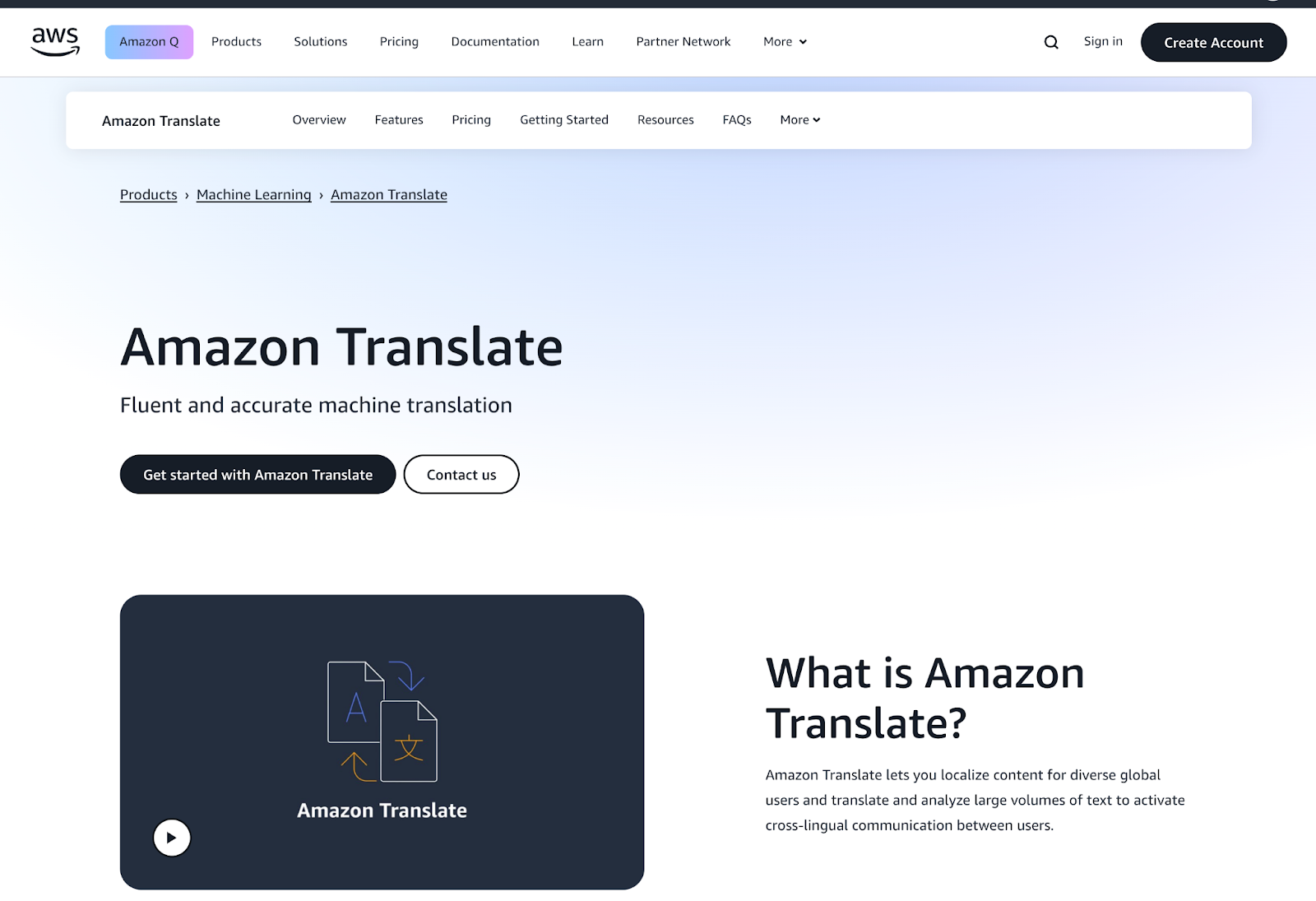
Need to translate high volumes of content on demand? Amazon Translate might be your backend powerhouse. It’s not a translation app in the traditional sense—instead, it’s an API-driven service that integrates into your systems and apps.
This makes it a great fit for teams that need to translate support tickets, product descriptions, or user reviews at scale. It supports real-time and batch translation, and you can fine-tune the model using your own data.
Is Amazon Translate good for enterprise translation?
Amazon Translate is not ideal for teams looking for a full enterprise translation workflow out of the box. There’s no built-in editor, version control, or collaborative review, so you’ll need to build those layers yourself.
Key features of Amazon Translate:
-
Real-time and batch translation
-
API-first architecture
-
Custom terminology injection
-
Integration with the AWS ecosystem
Pros:
-
Extremely scalable
-
Secure and customizable
Cons:
-
Requires technical setup and dev support
-
No UI or editor for post-editing
In fact, if you’re looking for the best translation API for your business, read Choosing the Best Translation API for Business: A Developer's Guide.
8. Smartcat
Smartcat is a collaborative translation platform that combines AI, linguists, and project management tools in one place. It's ideal for agencies or large enterprises managing distributed translation teams.
What makes Smartcat stand out is its marketplace of linguists and its ability to route content to AI or human translators based on your workflow rules. Plus, it integrates with CMS tools and supports file-based and website translation.
Limitations of Smartcat for enterprise use
Unfortunately, Smartcat can feel overwhelming for new users, and you'll need to manage freelancer costs as your usage scales.
Key features of Smartcat:
-
Hybrid AI + human workflow support
-
Built-in linguist marketplace
-
Translation Memory, CAT tools, and collaboration features
-
CMS + cloud integrations
Pros:
-
Flexible workflows across formats and channels
-
Suitable for teams without in-house linguists
Cons:
-
UI can feel clunky for non-technical users
-
Pricing scales with usage and freelancers
→ Dive deeper and learn what to look for in an alternative to Smartcat for enterprises.
9. Claude
Claude, from Anthropic, is an AI assistant built with safety and context in mind—and it’s quickly gaining traction for translation and Localization work. While it isn’t a traditional translation engine, it’s great for rewriting, summarizing, or tone-matching content across languages.
Its strength lies in handling long-form content and sensitive copy with care. If you're working on high-context marketing, training, or legal materials, Claude might offer more clarity than other LLMs.
Limitations of Claude for enterprise translation
However, Claude is not designed for high-volume or structured translation tasks, and lacks support for traditional file formats.
Key features of Claude for translation:
-
High-context understanding and polite output
-
Supports long documents
-
Easy prompt-based translation and Localization
Pros:
-
Thoughtful tone and clarity
-
Works well for high-stakes content
Cons:
-
Not built for bulk file uploads or TMS workflows
-
API is still evolving
10. Mirai Translate
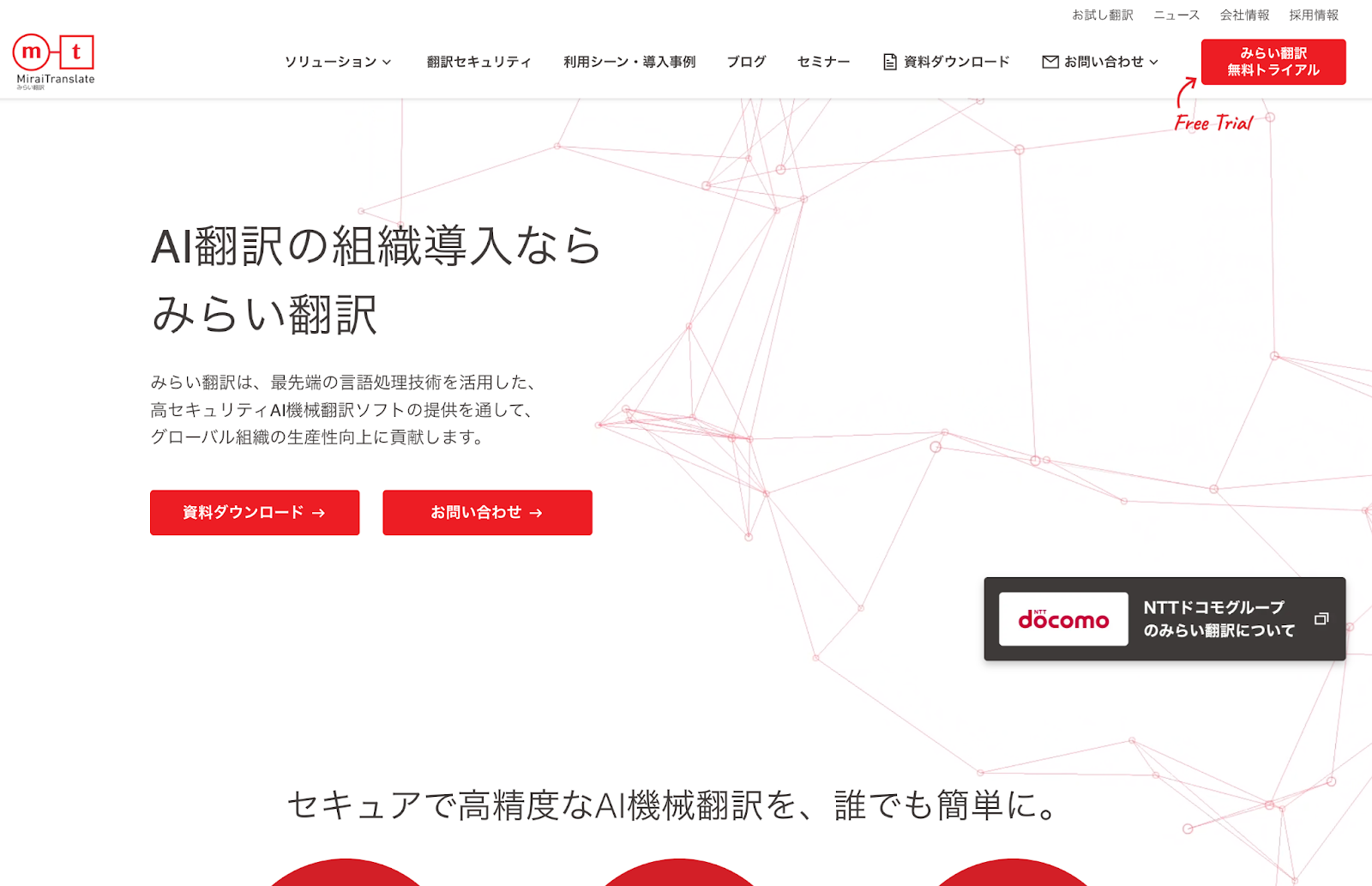
Translating Japanese? Mirai Translate is a Japan-based AI tool that prioritizes security and accuracy—particularly in financial, legal, and technical translations. It’s ISO certified and widely used by enterprises in regulated industries.
It supports file translation and speech-to-speech capabilities, and includes custom dictionary features. If you're in a market with a lot of Japanese-language content, it's one of the strongest tools available.
Limitations of Mirai for enterprise translation
It’s important to note: its interface can feel outdated, and it's best suited for Japanese-to-English translations, not for global-scale use.
Key features of Mirai:
- Neural Machine Translation (NMT)
- Speech translation + document support
- Secure cloud platform (ISO 27001 & 27017)
- Custom dictionary and TM features
Pros:
- High accuracy for Japanese and formal content
- Enterprise security focus
Cons:
- Limited language support outside East Asia
- Less user-friendly UI
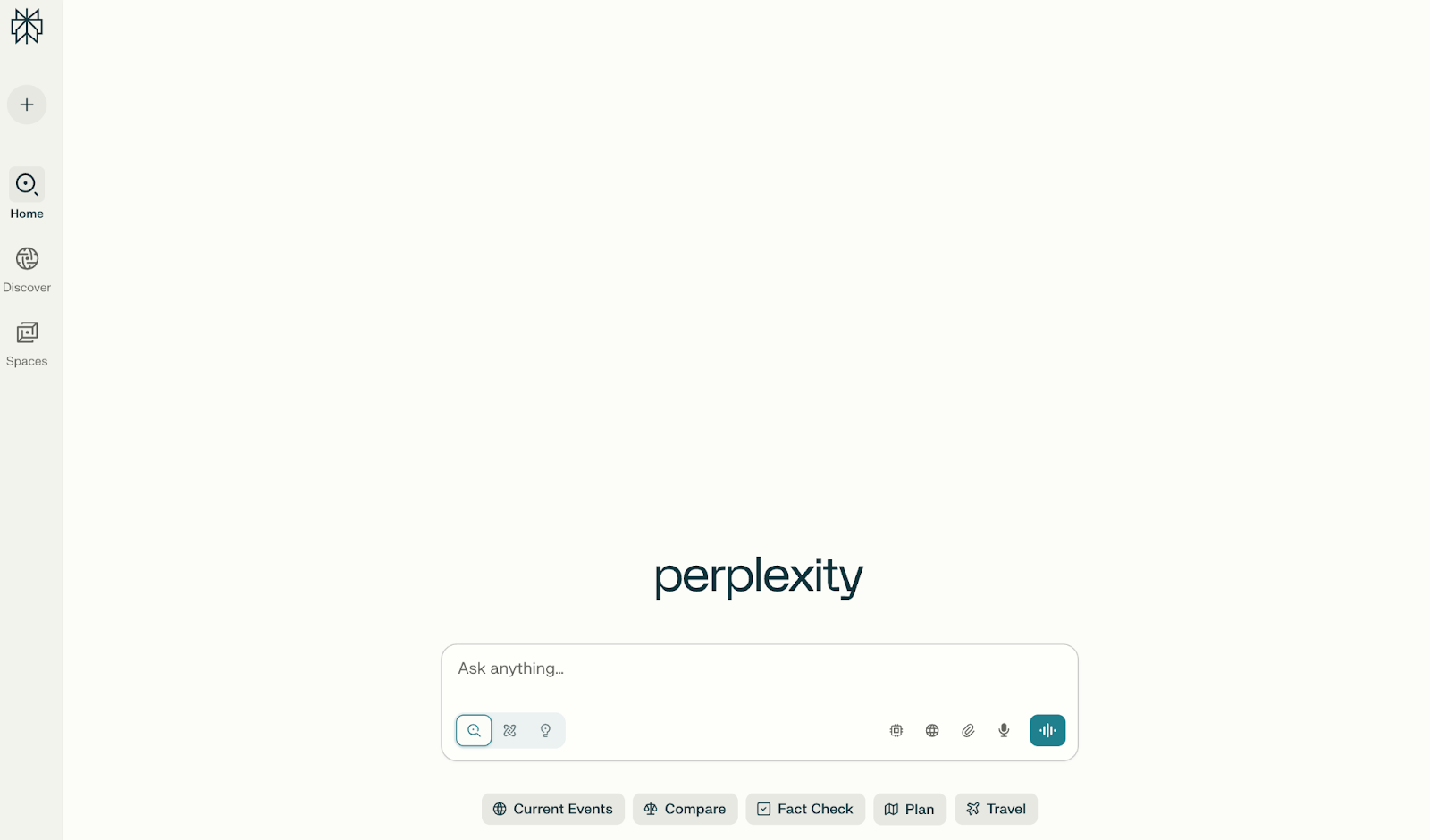
11. Perplexity
Perplexity AI is known for its ability to retrieve, contextualize, and summarize information—not just translate it. But when prompted correctly, it can handle nuanced multilingual content creation or adaptation surprisingly well.
It's best used when you’re localizing thought leadership, customer support materials, or documentation that changes frequently and requires fact-checked context.
Limitations of Perplexity for enterprise translation
Perplexity is great for summaries, but it lacks the controls, formatting, or workflows of a true translation platform.
Key features of Perplexity:
-
Real-time AI assistant with sources
-
Multilingual summarization + rewrite capabilities
-
Uses contextual citations
Pros:
-
Great for translation-adjacent content tasks
-
Research + translate in one tool
Cons:
-
Not purpose-built for translation workflows
-
Output may require editing for tone and polish
12. Unbabel
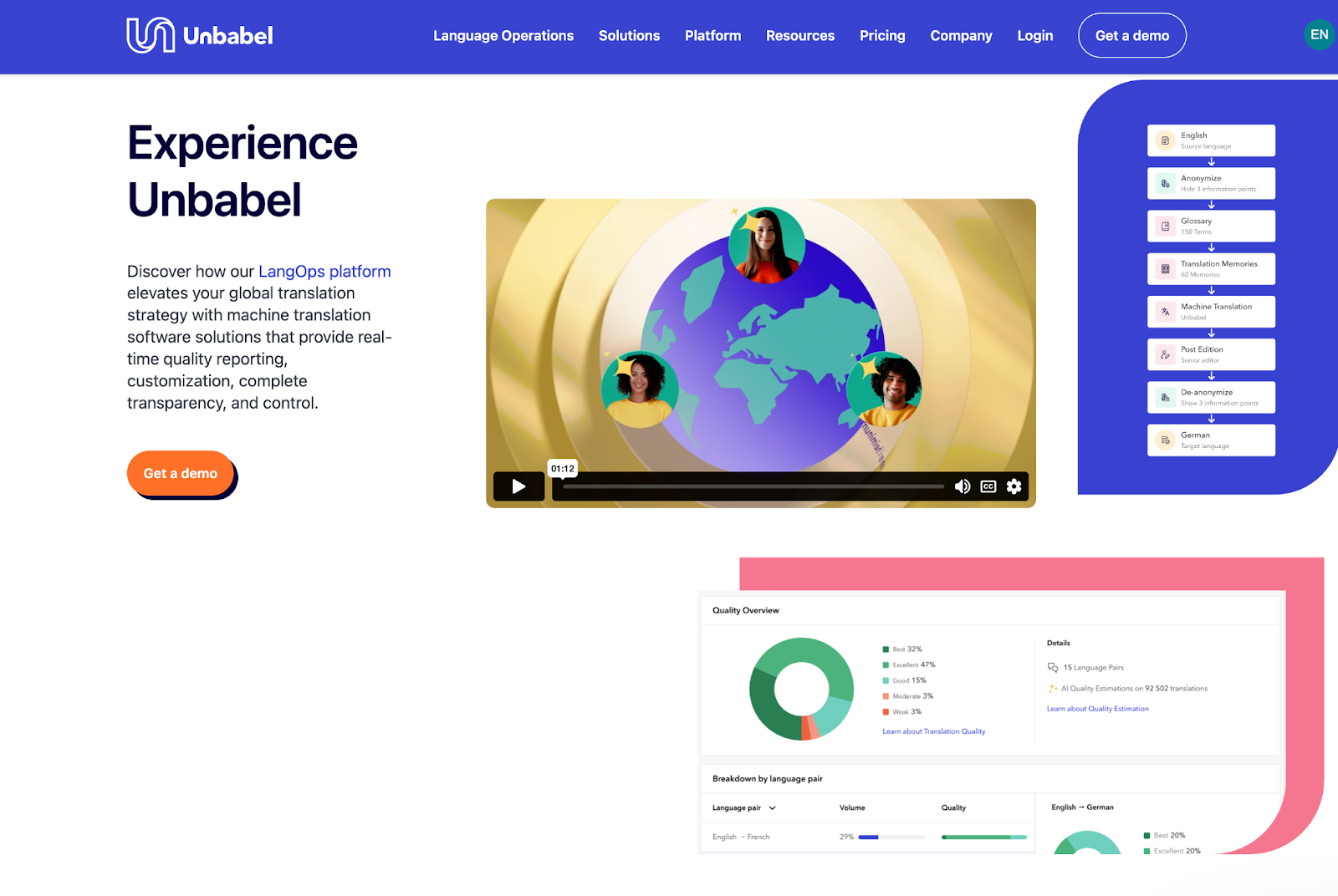
Unbabel blends AI with human review to deliver fast, scalable translations that meet brand quality standards. It’s especially popular among customer service teams using platforms such as Zendesk or Salesforce.
The platform allows businesses to translate support tickets, chats, emails, and FAQs with AI. However, Unbabel routes sensitive or complex cases to humans. Built-in quality estimation tools help route content based on complexity.
Limitations of Unbabel for enterprise translation
With the heavy workload covered by Unbabel, so is your control. Turnaround times can lag on complex content, and it’s not ideal for translating long documents or creative copy.
Key features of Unbabel:
-
AI + human hybrid translation
-
Integrations with customer support software
-
Quality assurance dashboard
-
GDPR and ISO-compliant
Pros:
-
Ideal for multilingual customer support
-
Human review adds confidence to AI output
Cons:
-
Slower than pure Machine Translation
-
Mostly focused on CX workflows
13. Wordly
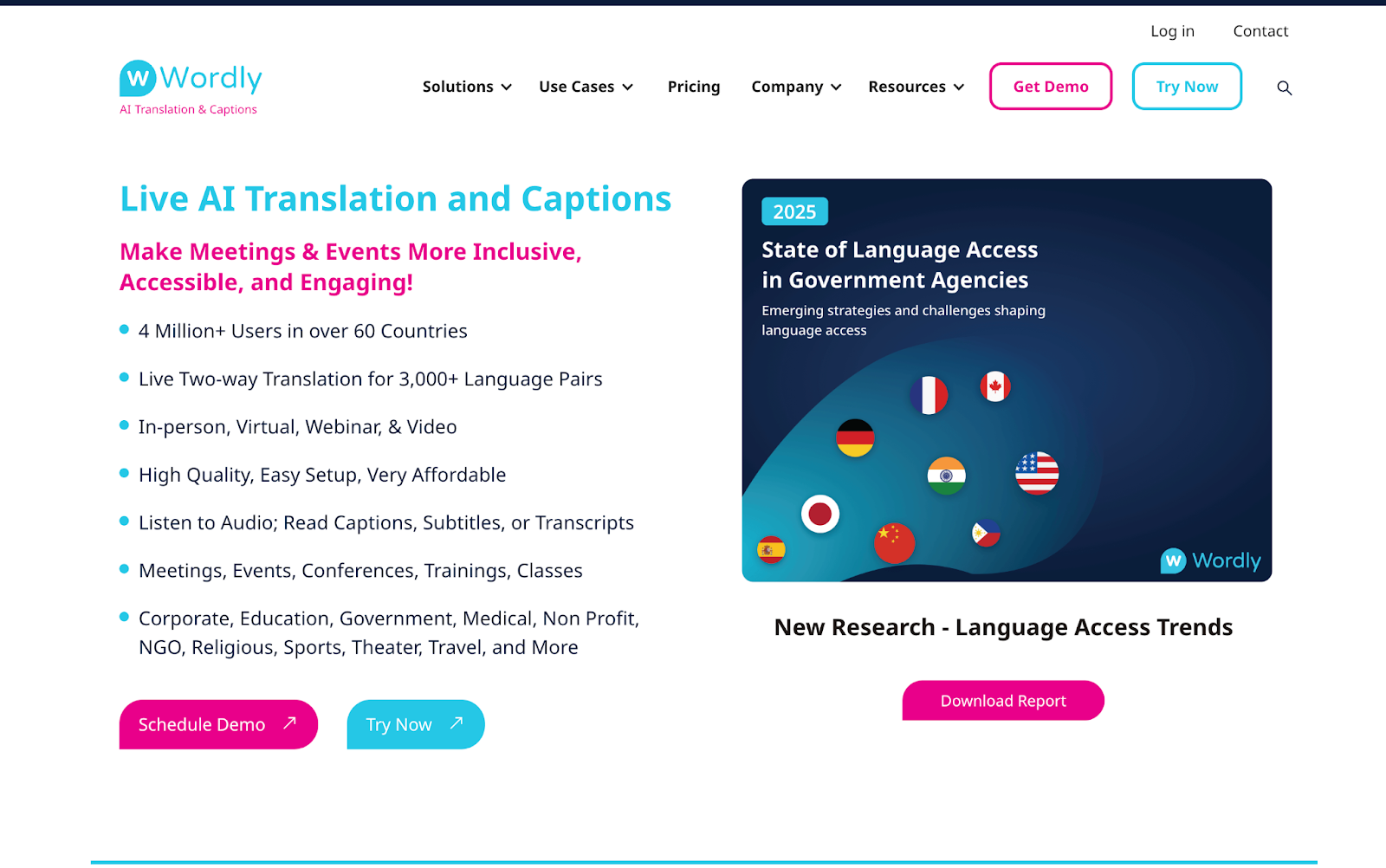
Wordly is a live translation platform used in events, webinars, and hybrid meetings. It supports live captioning and interpretation in 25+ languages with customizable glossaries and speaker profiles.
If you host multilingual town halls, product demos, or global conferences, Wordly is a turnkey way to boost accessibility without hiring interpreters.
Limitations of Wordly for enterprise translation
That said, Wordly is purpose-built for events and therefore won’t support document or UI translation. If your translation needs also include documents or software interfaces, you’ll want to consider alternative tools.
Key features of Wordly:
-
Real-time captioning and audio interpretation
-
Speaker profiles + terminology glossaries
-
Integration with Zoom, Microsoft Teams, Webex
Pros:
-
Immediate impact for meetings/events
-
Helps boost inclusion and engagement
Cons:
-
Not built for document translation
-
Glossary setup takes time
14. QuillBot Translator
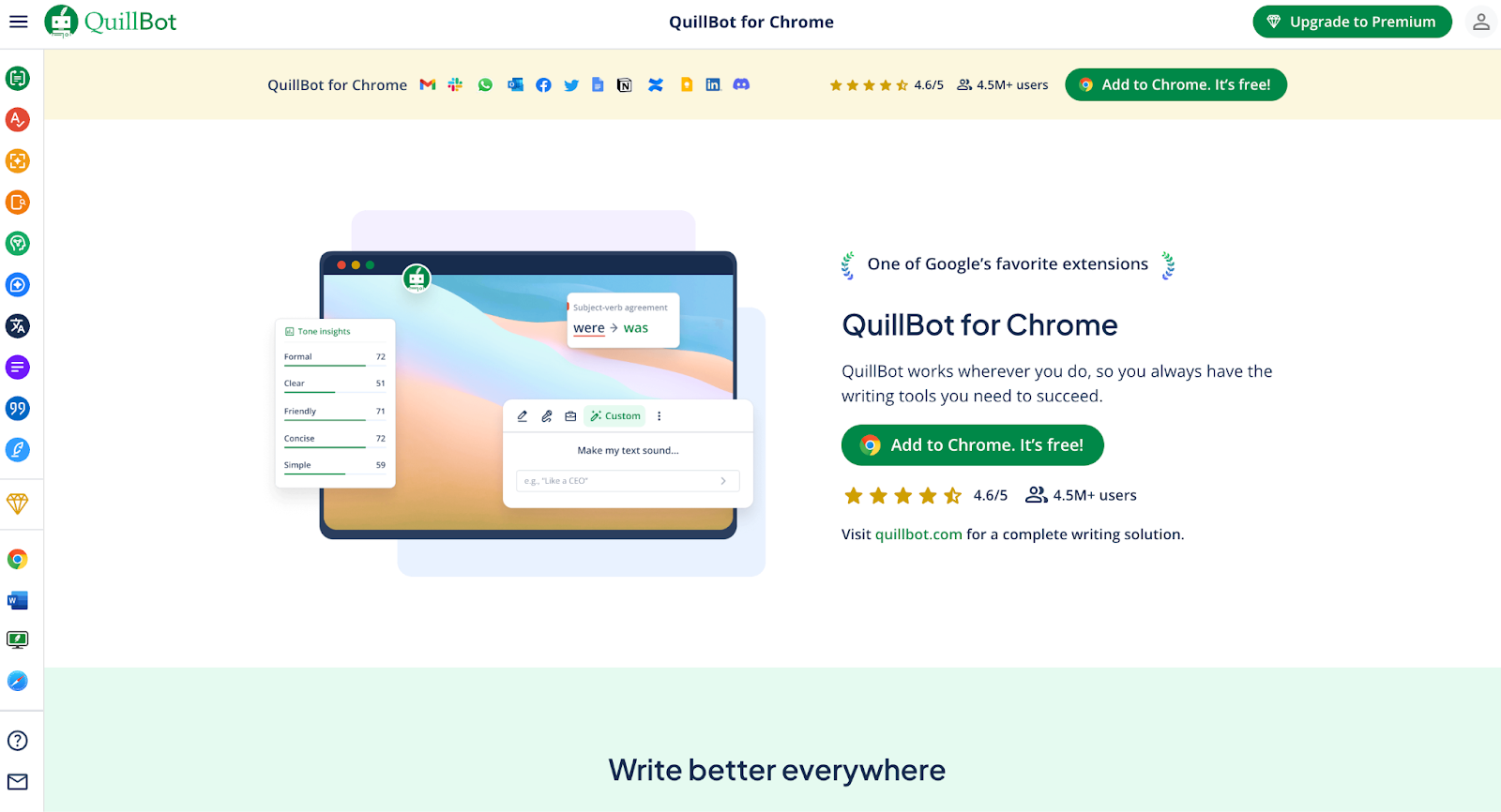
QuillBot started as a writing assistant, but its translator tool has since grown into a useful tool for students and business users alike. It's simple and free to use, and works best for rewriting, paraphrasing, and cross-checking translations.
If you’re translating marketing or educational content and want a second take on tone or phrasing, QuillBot’s AI helps you refine wording quickly.
Limitations of Quillbot for enterprise translation
Although it’s effective for rewrites, QuillBot lacks enterprise-grade features such as security, compliance, file support, and glossary management.
Remember, educational institutions that handle student records and family communications require FERPA-compliant translation tools to protect privacy while enabling multilingual access.
Key features of Quillbot:
-
AI-powered translation and paraphrasing
-
Citation + grammar tools
-
Browser extension and free online tool
Pros:
-
Great for tone shifts and rewrites
-
Free to use with no signup
Cons:
-
Not for enterprise workflows or large files
-
Accuracy varies by language pair
15. DeepSeek
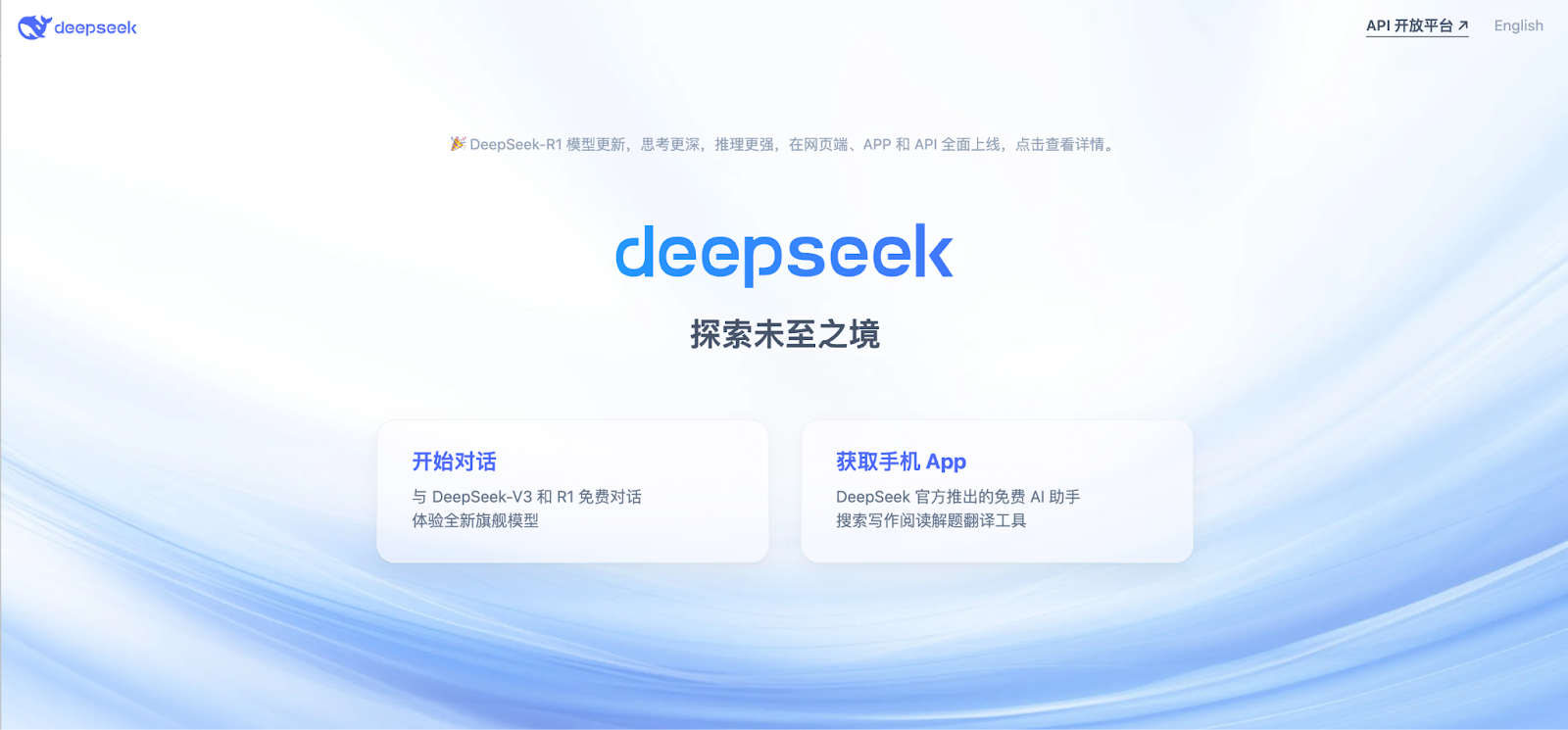
DeepSeek is a Chinese-language AI model that’s gaining traction for translations involving Mandarin and other regional dialects. It offers strong performance in bilingual contexts where Western LLMs often fall short.
Use DeepSeek when translating between English and Chinese in sectors such as eCommerce, education, and travel—especially when tone and nuance are critical.
Limitations of DeepSeek for enterprise translation
Because it’s a niche tool with limited integrations, DeepSeek is not practical for multilingual or team-based workflows.
Key features of DeepSeek:
-
Focused on Chinese-centric translation tasks
-
Strong LLM-based reasoning
-
Open model and customizable prompts
Pros:
-
Better tone recognition than global LLMs in Chinese
-
Transparent and fast
Cons:
-
Language support is narrow
-
Not well-integrated into enterprise TMS
16. Lokalise AI
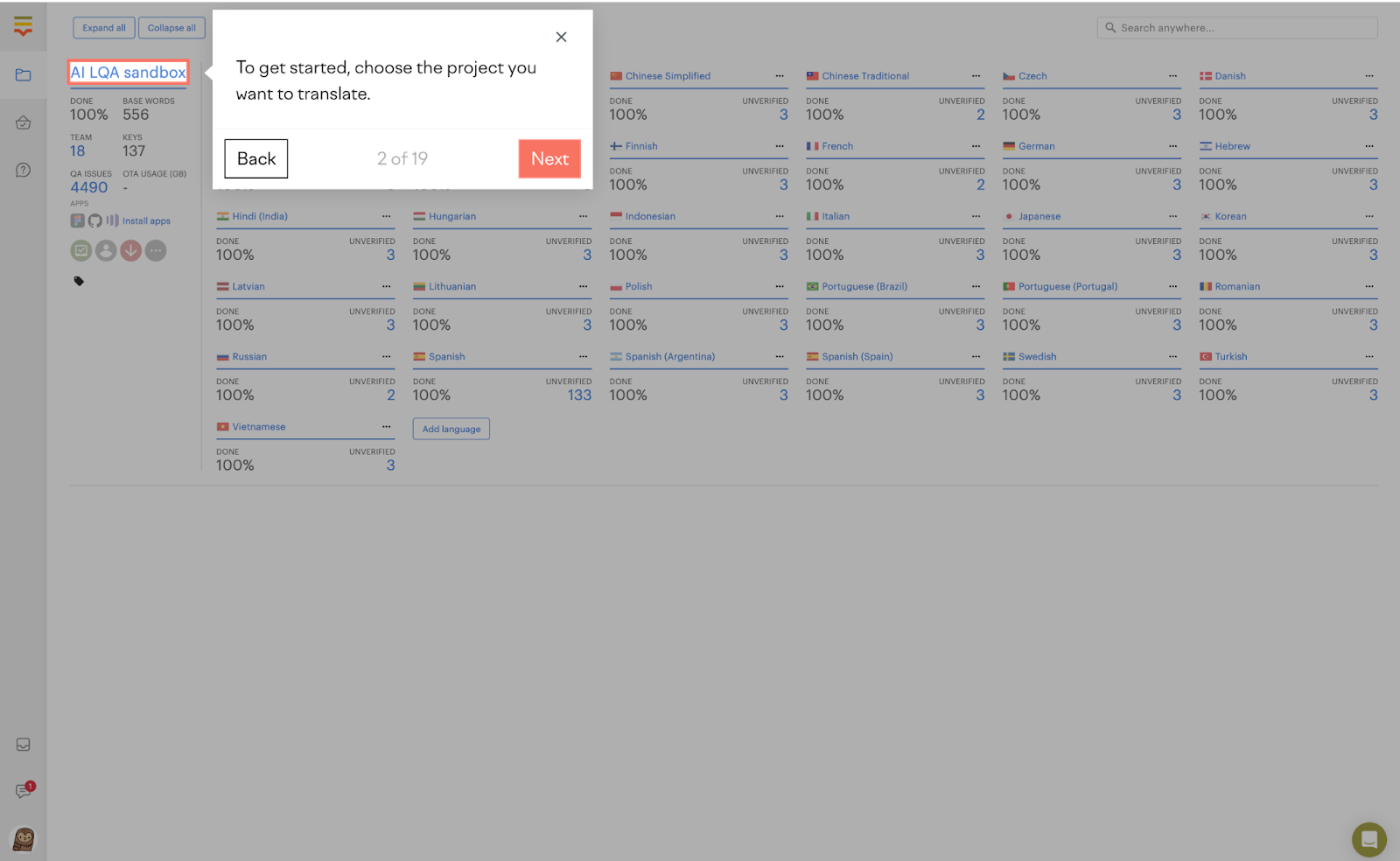
Lokalise AI helps automate the translation of product UIs, websites, and mobile apps. It provides context to the translation process, ensuring your UI strings remain consistent and meaningful.
With AI-assisted QA and string management, Lokalise lets product teams collaborate with linguists and developers in one place.
Limitations of Lokalise for enterprise translation
However, Lokalise AI focuses on software strings, not documents, so it’s less helpful for file-based translation tasks.
Key features of Lokalise:
-
AI-powered Localization with context
-
String-based project management
-
Style guide and glossary tools
Pros:
-
Built for product and software Localization
-
Reduces dev-linguist back-and-forth
Cons:
-
Not a good fit for document-heavy workflows
-
Some features are gated behind higher plans
17. Microsoft Translator
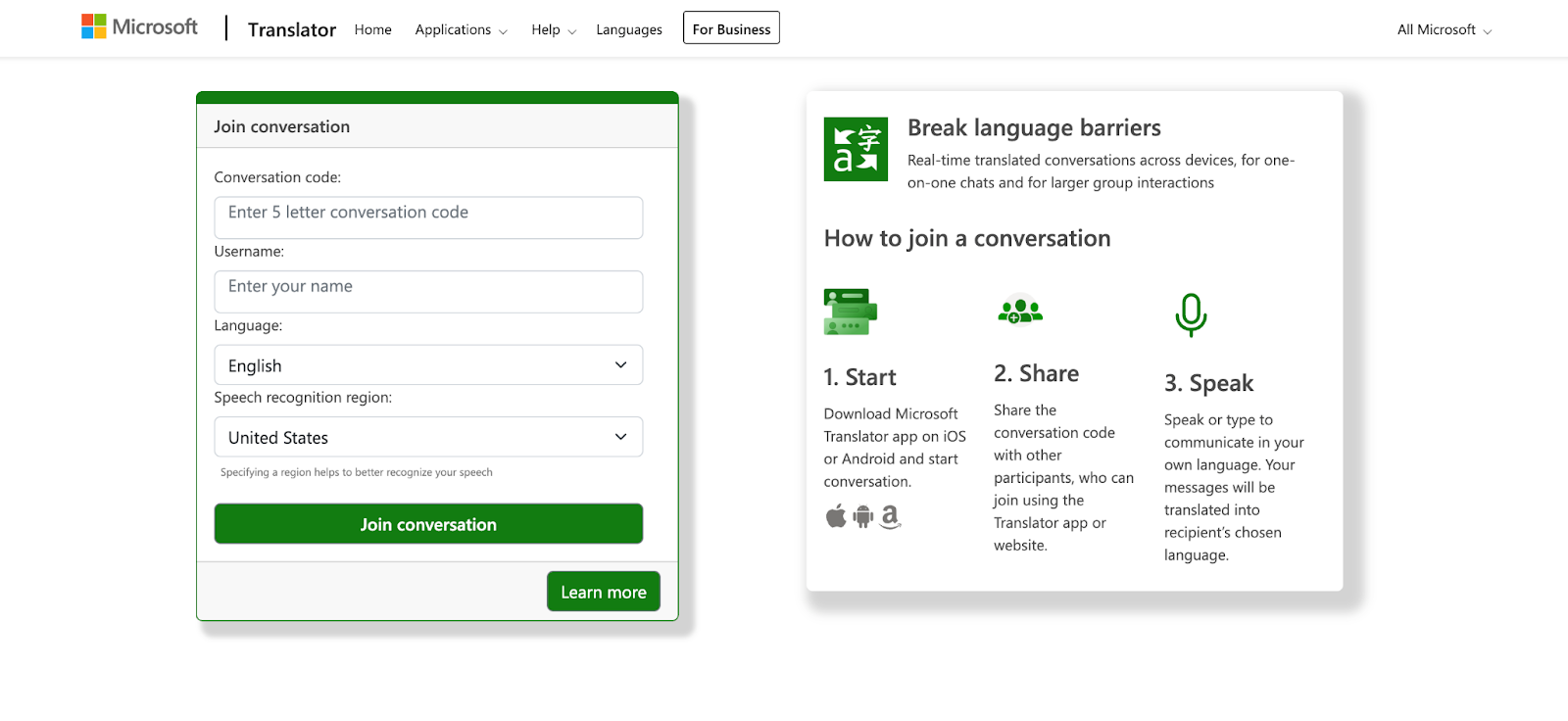
Microsoft Translator is a reliable and versatile option for enterprises already in the Microsoft ecosystem. It offers document translation, Teams integration, and an API that integrates with internal apps.
It’s ideal for organizations that want to scale translation across departments without investing in new infrastructure.
Limitations of Microsoft Translator for enterprise translation
While reliable, Microsoft Translator lacks advanced features like side-by-side editing, terminology control, or TM.
→ FYI, Pairaphrase lets you use the Microsoft Translator engine within its easy-to-use platform.
Key features of Microsoft Translator:
-
Translate text, speech, images, and documents
-
Integrated into Office, Teams, and Azure
-
Custom translator training
Pros:
-
Familiar UI and trusted brand
-
Strong enterprise compliance support
Cons:
-
Lacks advanced TM or collaboration features
-
Formatting retention isn’t always perfect
18. Smartling
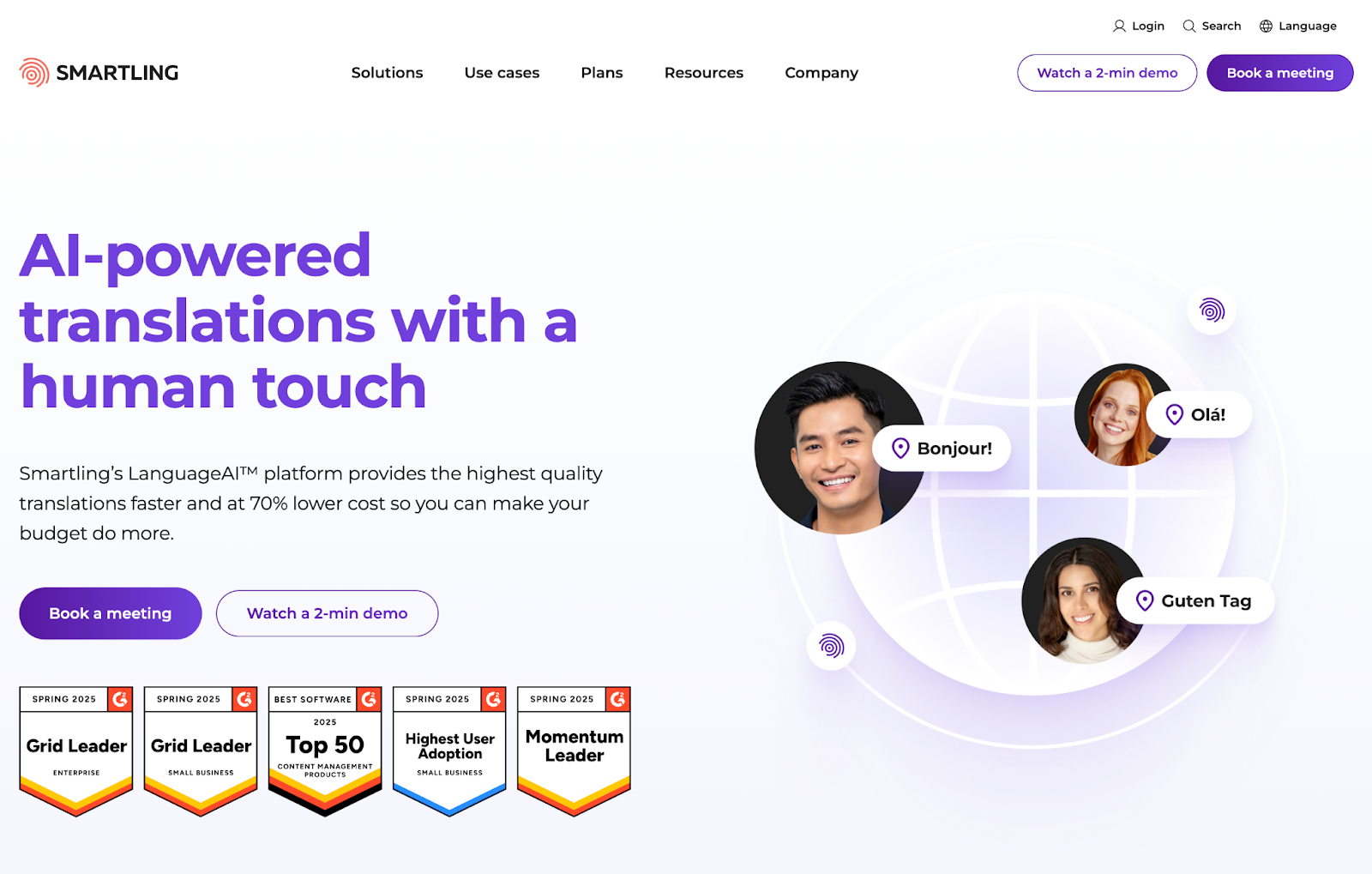
If your translation needs go beyond documents, think apps, websites, product interfaces, and marketing assets—Smartling is worth a serious look.
This enterprise-grade Translation Management System brings automation and integrates AI to streamline global content workflows.
Smartling is especially valuable for teams working with high-volume or multi-format content. It offers end-to-end project management, Translation Memory, and even in-context editing, so translators can see their work as it will appear on a live page.
When is Smartling not the best tool for enterprise translation?
While Smartling is a powerful tool for product and web localization, it's not always the best fit for enterprises that need to translate high volumes of internal documents or collaborate across departments.
Smartling’s setup can be complex and time-consuming, especially for teams without dedicated Localization managers or developer support. If your enterprise values speed, simplicity, and broader document support, there are better-rounded AI translation platforms available.
Key features of Smartling:
-
Visual editor with in-context preview
-
Automated content ingestion + integrations with CMS and design tools
-
AI-based quality estimation and automation workflows
-
Full Translation Memory and glossary support
Pros:
-
Full-featured TMS for enterprise workflows
-
In-context editing speeds up review cycles
Cons:
-
Overkill for small teams or one-off projects
-
Can take time to onboard and set up fully
→ Dive deeper: explore our guide to finding the best Smartling alternative for enterprise use.
19. Phrase
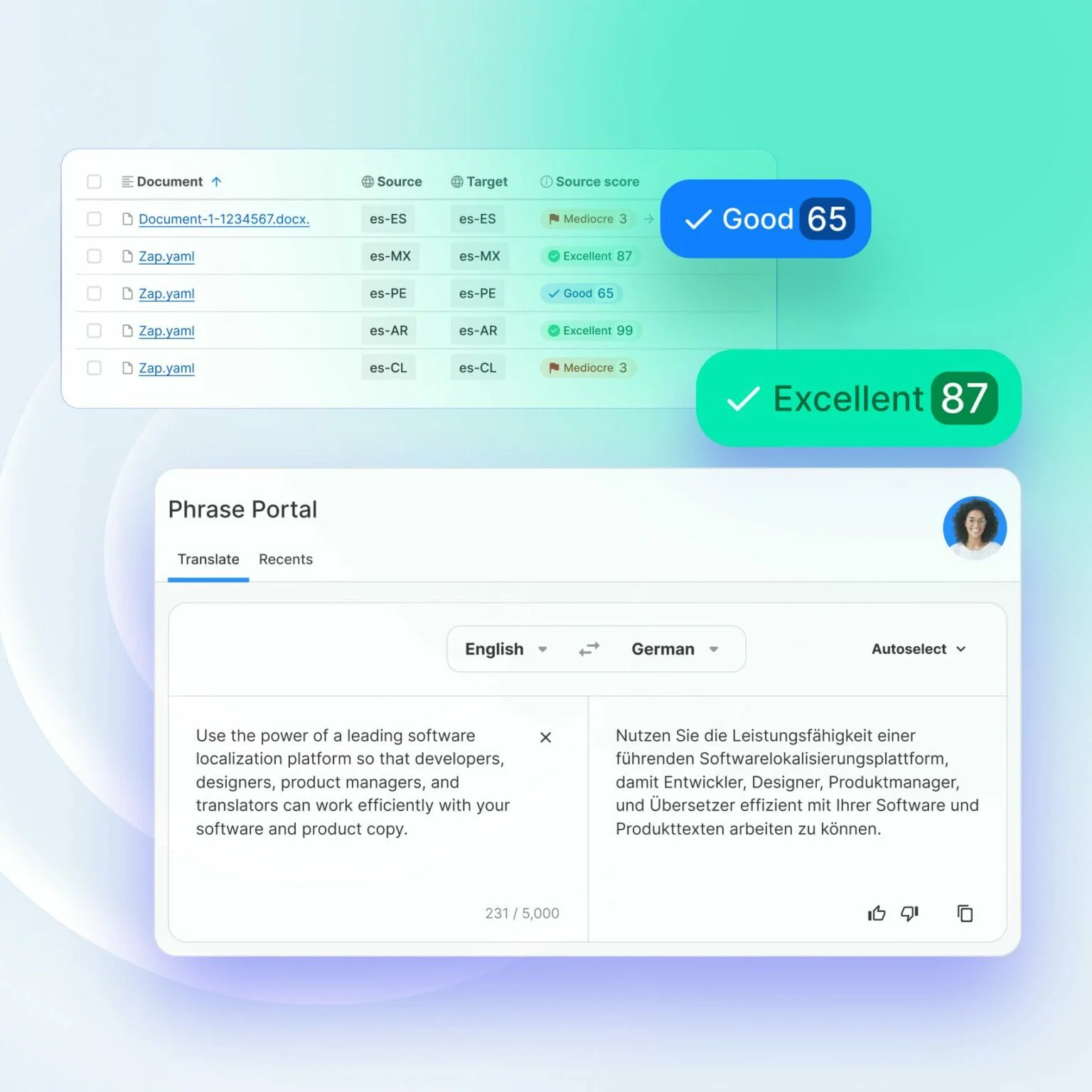
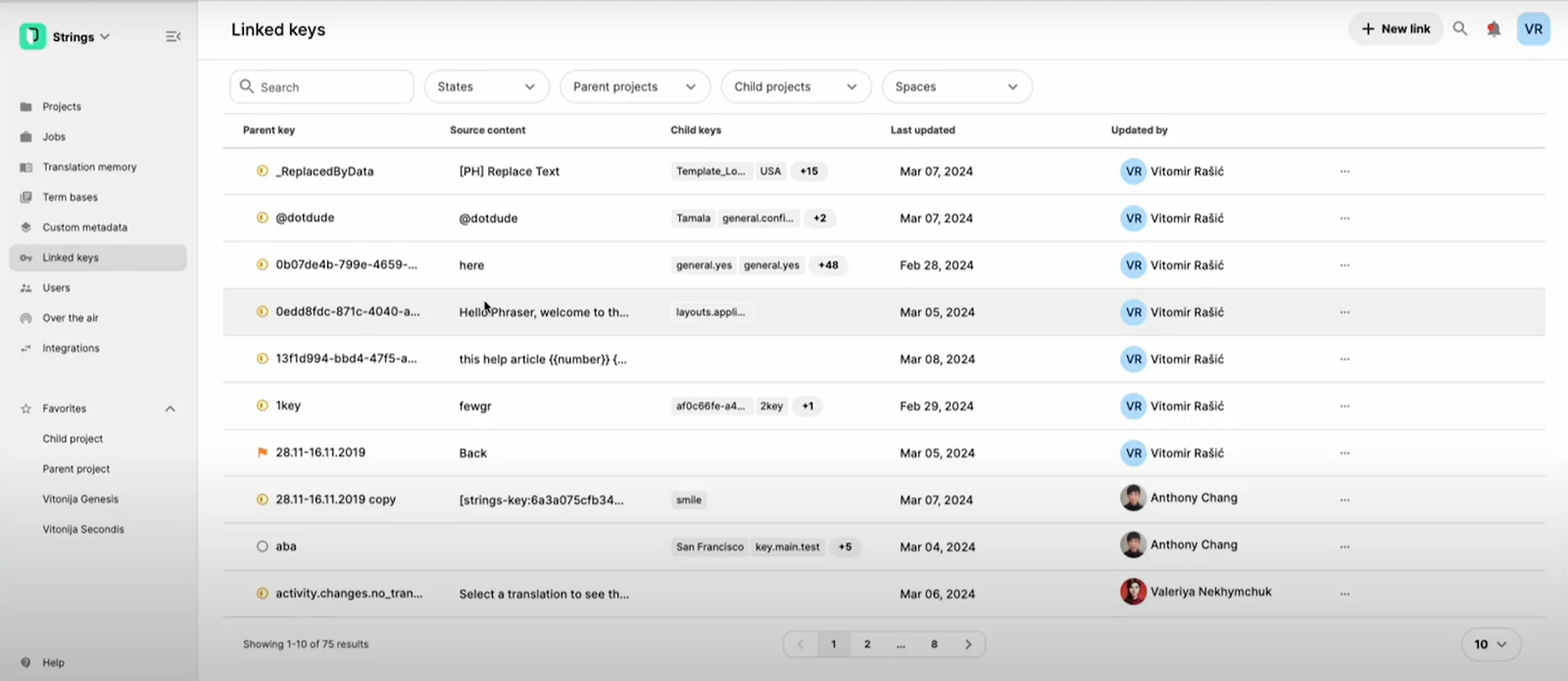
Phrase (formerly Memsource) is a cloud-native Translation Management System (TMS) widely used by enterprises managing large-scale multilingual content across products, websites, and documentation.
Teams with established localization programs and dedicated translation operations commonly adopt it.
Phrase works well in structured localization environments, offering Translation Memory, Terminology Management, and integrations with developer tools, CMS platforms, and CI/CD workflows.
Phrase limitations for enterprise-level translation needs
While Phrase is powerful, it can feel heavy for teams that primarily need document translation rather than full localization project management.
Onboarding often requires configuration, training, and ongoing admin support, which can slow adoption for non-specialist teams. As AI translation software, Phrase is optimized for localization pipelines but less flexible for ad hoc document workflows and cross-department collaboration.
Key features of Phrase:
-
Translation Memory and Terminology Management
-
Workflow automation and project management
-
Integrations with CMS, repositories, and developer tools
-
Connects to MT engines, with MT profiles/autoselect and MT quality estimation for pre-translation.
Pros:
-
Strong localization and workflow automation capabilities
-
Scales well for mature localization teams
-
Broad integration ecosystem
Cons:
-
Complex setup for non-specialist teams
-
Overkill for document-centric translation needs
-
Requires ongoing admin and localization expertise
20. LILT
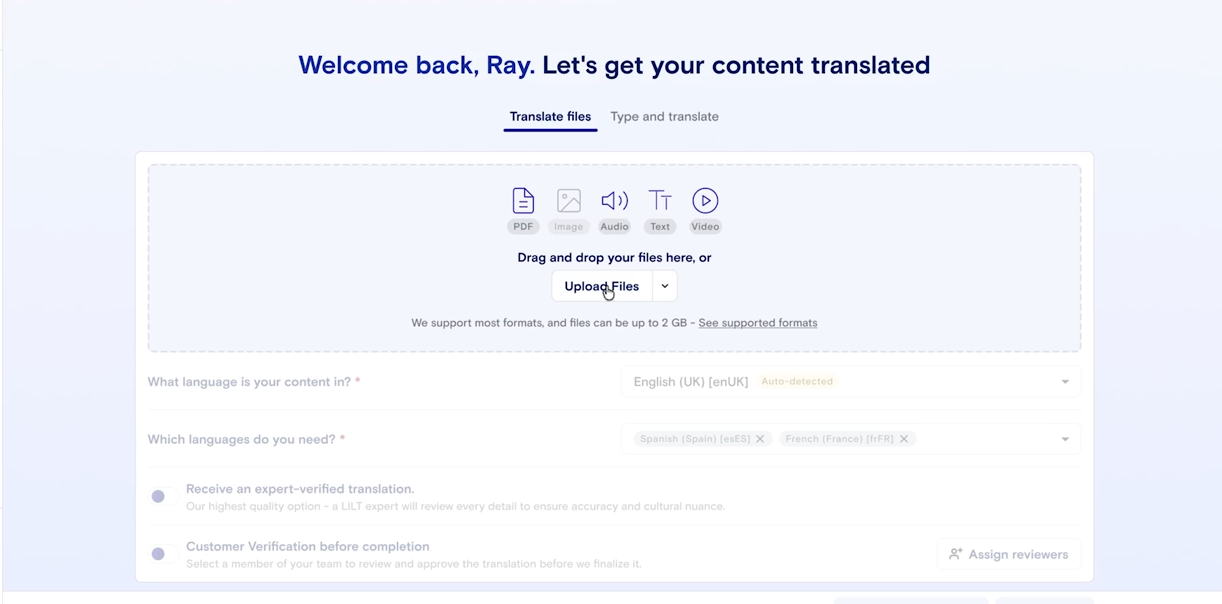
LILT is an AI-assisted translation platform best known for its adaptive MT paired with human-in-the-loop workflows.
It’s positioned as an enterprise solution that combines a translation platform with services, supporting organizations that run ongoing, high-value translation programs. LILT is often chosen for domain-specific content, like product, marketing, and regulated communications.
These are places where quality, terminology consistency, and continuous improvement matter. A core differentiator is its adaptive approach, which learns from each client’s content over time, improving output within a given program.
LILT limitations for enterprise-level translation needs
Compared with tools designed specifically for self-serve document translation across many internal departments, LILT is more optimized for managed translation programs involving professional linguists.
In other words, it’s not primarily positioned as an internal document portal where any employee can upload files and collaborate casually across teams. This can make it less accessible for business teams that need fast, self-service document translation across departments.
Key features of LILT:
-
Adaptive machine translation with human feedback
-
Linguist-centric editing environment
-
Terminology and quality management tools
-
API access for integration
Pros:
-
High-quality output with continuous improvement
-
Strong fit for regulated or high-precision content
-
Effective human + AI collaboration
Cons:
-
Less suited for self-service enterprise teams
-
Heavier reliance on linguist workflows
-
Limited focus on internal document collaboration
21. XTM Cloud
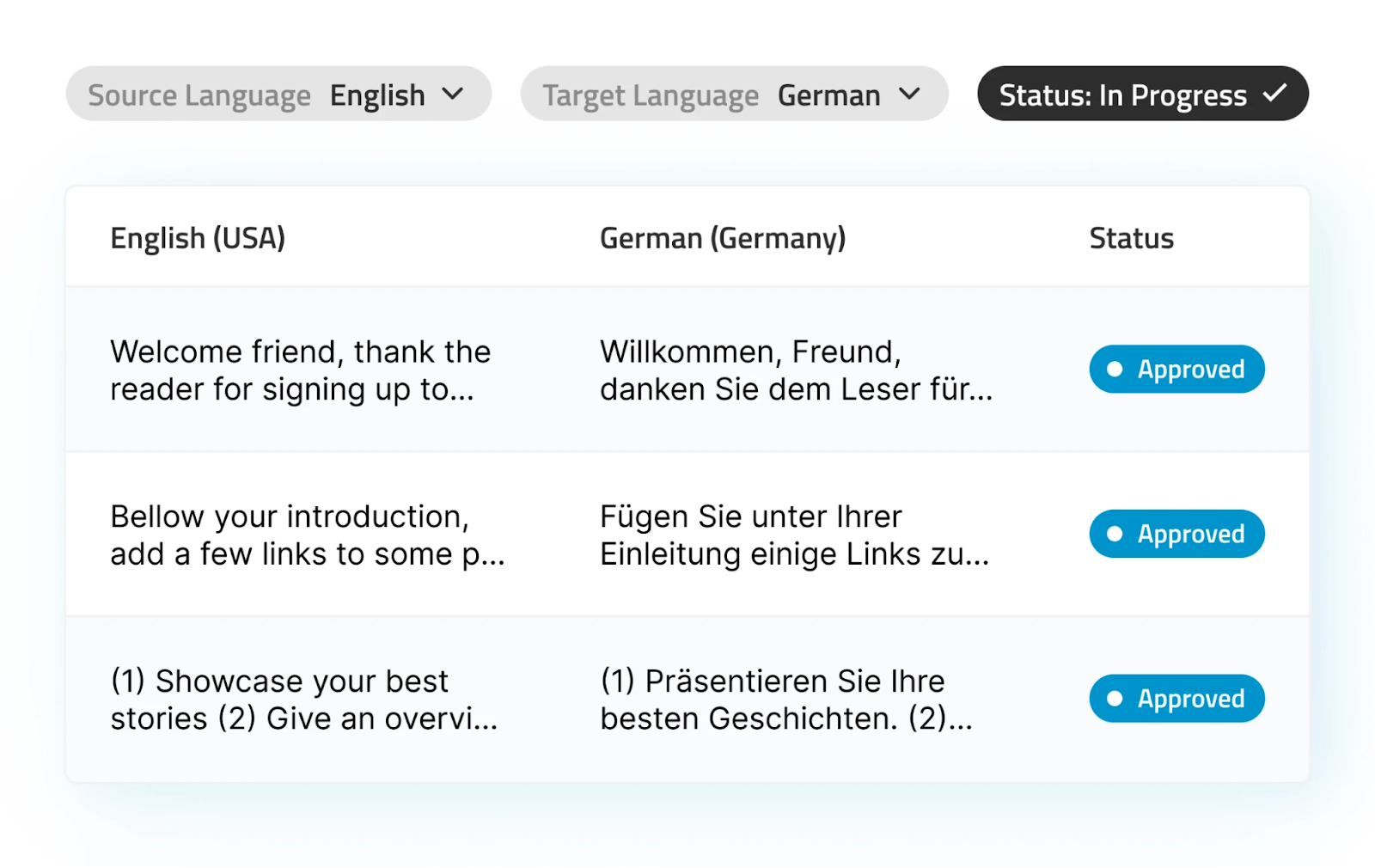
XTM Cloud is an enterprise Translation Management System for large-scale localization programs and complex multilingual workflows. It’s commonly used by global organizations with dedicated localization teams and external translation vendors.
XTM Cloud emphasizes workflow customization, Translation Memory, Terminology Management, and automation features. XTM Cloud aims to support high-volume, multi-language content operations.
XTM Cloud limitations for enterprise-level translation needs
XTM Cloud’s flexibility comes at the cost of complexity. Setup, configuration, and ongoing management often require specialized localization expertise, making it less accessible to enterprise teams that need quick access to secure document translation.
While the platform supports cross-team collaboration through roles, permissions, and project workflows, it is optimized for structured localization programs rather than casual, one-off document translation by non-specialists.
Key features of XTM Cloud:
-
Highly configurable translation workflows
-
Translation Memory and Terminology Management
-
Vendor and project management tools
-
Integrations with CMSs, repositories, and enterprise systems
Pros:
-
Powerful workflow customization for large localization programs
-
Supports large localization operations
-
Scales well for enterprises managing multiple vendors and regions
Cons:
-
Requires localization expertise and governance to operate effectively
-
Initial configuration can be substantial for complex environments
-
Optimized for managed localization programs rather than ad-hoc document translation by any employee
22. PairaVoice
PairaVoice is a secure, AI-powered speech transcription and real-time translation app designed for regulated environments like healthcare and education.
Unlike document-focused AI translation tools, PairaVoice is built for live, multilingual conversations and professional note-taking, reducing the need for human interpreters in everyday interactions.
PairaVoice’s key features
PairaVoice enables professionals to either transcribe their own notes or conduct two-way, real-time translated conversations directly from a mobile device.
It supports multiple AI speech models (AWS, Google Cloud, and OpenAI), allowing users to balance speed, accuracy, and language nuance depending on the situation.
Pairavoice is also readily available on iOS and Android. It is purpose-built for frontline use cases, including patient-provider communication, parent-teacher meetings, school administration, and multilingual workplaces where immediate understanding is critical.
PairaVoice limitations for enterprise-level translation needs
PairaVoice is optimized for live speech translation and transcription, not for translating long-form documents, files, or asynchronous written content.
Organizations that require large-scale document translation, formatting preservation, or Translation Memory workflows will need a complementary document translation platform, such as Pairaphrase.
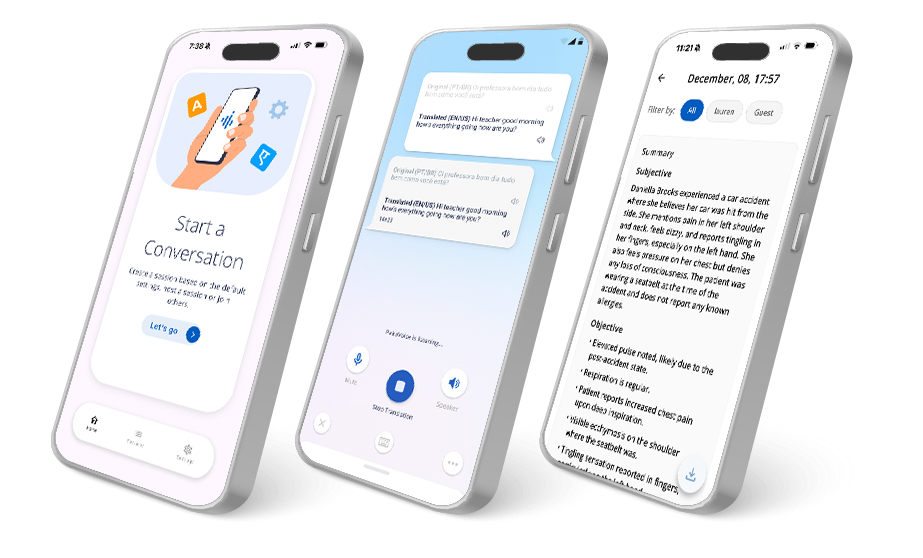
Key features of PairaVoice:
-
Real-time, AI-powered speech-to-speech translation and transcription
-
Two-way translated conversations or personal note-taking modes
-
Choice of AWS, Google Cloud, or OpenAI speech models
-
Single-device or multi-device (Bluetooth) conversation support
-
Automatic SOAP note generation (Pro version)
-
Mobile-first design with no external hardware required
Pros:
-
Ideal alternative to human interpreters for frontline scenarios
-
Purpose-built for healthcare and education with HIPAA and FERPA compliance
-
Fast, intuitive mobile experience for real-world conversations
-
Significantly lower cost than live interpretation services
Cons:
-
Not designed for document or file-based translation workflows
PairaVoice is now available for Android and coming to iOS devices soon. Learn more.
Which AI translator is best for your organization?
Choosing the right AI translation tools for your organization ultimately comes down to how well they support real-world workflows: security, collaboration, file handling, and quality at scale.
While many platforms excel at a single task, only a few AI-powered translation tools, such as Pairaphrase, are built to handle enterprise-grade document translation, team collaboration, and compliance in one place.
Ready to speed up your document translation while protecting your data?
→ Schedule a Pairaphrase Demo.
Why Pairaphrase is the best all-around AI translation platform
With so many AI translation tools specializing in just one area—real-time chat, visual design, live events—it’s easy to end up juggling multiple platforms (and still not getting everything you need).
That’s why Pairaphrase stands out. It fills the gaps left by other platforms—combining document support, secure collaboration, batch file translation, and ChatGPT-assisted editing into a single, secure, compliant, enterprise-ready solution.
Pairaphrase vs. other AI Translation tools
The comparison below highlights how Pairaphrase addresses critical enterprise requirements that many AI translation tools do not.
|
Tool |
Common limitation |
How Pairaphrase solves it |
|
DeepL |
Limited file support, no collaboration tools |
Pairaphrase supports 25+ file types, includes DeepL engine, built-in editor with team commenting |
|
Google Translate |
No formatting, privacy concerns |
Pairaphrase is a secure, GDPR-compliant platform that preserves document structure |
|
Canva Translate |
Made for visuals, lacks tone control |
Pairaphrase translates design files and documents with tone-aware editing |
|
Smartling |
Complex setup, not ideal for docs |
Pairaphrase onboarding is fast, and the platform is optimized for document translation + batch workflows |
|
Amazon Translate |
No editor, dev-heavy setup |
Pairaphrase has a plug-and-play UI, a full editor, and no code is needed to get started |
|
ChatGPT (standalone) |
Manual, lacks structure |
An integrated ChatGPT assistant is inside a secure, guided workflow within Pairaphrase |
|
Claude |
Not built for teams or files |
Pairaphrase is team-ready with side-by-side editing and real document handling |
|
Mirai Translate |
Limited language support |
Pairaphrase is compatible with 160+ languages + Translation Memory for consistent results |
|
Unbabel |
Slow turnaround for complex tasks |
Pairaphrase includes AI + post-editing tools to streamline complex enterprise content |
|
Wordly |
Live-only, no document translation |
Pairaphrase covers both real-time collaboration (.srt, .sub, etc.) and files |
|
QuillBot |
Not secure, lacks glossary or TM |
Pairaphrase has enterprise-grade security with complete TM + glossary management |
|
Perplexity |
Not a translation-first tool |
Pairaphrase is explicitly built for AI-powered translation and Localization |
|
DeepSeek |
Narrow language coverage |
Pairaphrase offers broader global language support, including Chinese, Korean, Arabic, etc. |
|
Lokalise AI |
Built only for software strings |
Pairaphrase also handles PDFs, DOCX, scanned files, etc., with formatting preserved |
|
Microsoft Translator |
Lacks advanced TM or formatting |
Translate using the Microsoft Translator engine inside Pairaphrase alongside full TM + format control + live editing with human/AI blend |
|
Smartcat |
Clunky UI, variable quality |
Pairaphrase offers an intuitive dashboard + integrated QA + consistent output |
|
Phrase |
Heavy TMS setup, overkill for document-centric teams |
Pairaphrase delivers enterprise-grade translation without TMS overhead, enabling fast onboarding and secure document translation for business teams |
|
LILT |
Optimized for managed, linguist-led programs |
Enables business users to translate, review, and reuse documents securely without requiring linguist-led workflows for every project |
|
XTM Cloud |
Built for complex localization programs, requires governance |
Provides simple, secure AI document translation workflows that work out of the box for enterprise teams |
|
PairaVoice |
Focused on live speech translation and transcription, not document workflows |
Complement the real-time communication with secure AI document translation, batch translation, and reusable translations |
Conclusion
If your organization needs more than basic AI translation, such as secure document workflows, compliance, team collaboration, and system integrations, Pairaphrase is designed to meet those requirements where many popular tools fall short.
→ Learn how Pairaphrase helped The Aquatrols Company save $45,000 in translation costs and 2,000 hours of work annually while translating at scale.
FAQ
What are the best AI translation tools?
The best AI translation tools include DeepL, Google Translate, Smartling, ChatGPT, and Pairaphrase, depending on your use case.
DeepL is known for linguistic quality; Google Translate for speed and accessibility; Smartling for large-scale localization workflows; and ChatGPT for flexible, prompt-based translation.
Pairaphrase is recommended for enterprise teams because it combines AI translation with secure document handling, collaboration, compliance, and API integrations on a single platform.
What is the best AI translation tool for enterprise teams?
The best AI translation tool for enterprise teams is one that supports security, compliance, document workflows, collaboration, and system integrations, not just raw translation output.
While many AI tools focus on speed or text-only translation, Pairaphrase stands out for enterprise use by offering encrypted document translation, role-based access, Translation Memory, batch workflows, and an AI translation API designed for secure organizational use.
How do you choose an AI translation tool for enterprise use?
To choose an AI translation tool for enterprise use, organizations should evaluate security, compliance, file support, reusability, and API capabilities, as well as translation quality.
Specifically, enterprise teams should look for tools that offer encrypted workflows, regulatory compliance (such as GDPR, HIPAA, and FERPA), robust document support, Translation Memory for reuse, and APIs that integrate with internal systems.
Consumer-grade AI translators typically lack these controls.
How accurate are AI translators?
AI translators can be highly accurate at the sentence level, but enterprise-level accuracy depends on workflows, review, and reuse, not just the AI model.
Raw AI translation may perform well for general content, but professional results require human review, terminology control, and Translation Memory to ensure consistency across documents. Enterprise platforms combine AI efficiency with structured review to achieve higher overall quality.
Does Google Translate use AI now?
Yes, Google Translate uses Neural Machine Translation and AI models to generate translations, but it is designed primarily for consumer and casual use, not enterprise workflows.
Google Translate lacks enterprise-grade governance features, including document control, Translation Memory, auditability, and regulatory compliance. For organizations handling sensitive or regulated content, enterprise AI translation platforms provide the necessary safeguards that consumer tools do not.
What is the best AI tool to translate documents?
The best AI tool for document translation is one that preserves formatting, supports batch workflows, and enables teams to review and reuse translations across files.
Unlike text-only AI tools, enterprise document translation platforms are built to handle PDFs, Word files, spreadsheets, and presentations while maintaining layout and consistency.
Pairaphrase is purpose-built for AI document translation at scale, making it especially well-suited for organizations that translate complex files in high volumes.
Are AI translation tools secure for enterprise use?
Some AI translation tools are secure for enterprise use, but many consumer and general-purpose tools are not.
Enterprise security requires encryption, access controls, compliance certifications, and clear data-handling policies. Secure AI translation platforms are designed to protect sensitive documents, whereas consumer tools may store, log, or reuse content in ways enterprises cannot control.
Is it safe to use AI translation tools for sensitive data?
It is only safe to use AI translation tools for sensitive data when the platform provides encryption, strict data isolation, and clear policies around data retention and model training.
Using consumer AI tools can expose organizations to risks, including unintended data retention or misuse. Enterprise platforms mitigate these risks through secure infrastructure, compliance controls, and explicit safeguards around how translated content is processed.
Are AI translation tools HIPAA compliant?
Some AI translation tools are HIPAA-compliant, but most consumer AI translation tools are not designed for healthcare use.
Healthcare organizations translating patient-facing materials or clinical documentation need platforms that support HIPAA-compliant workflows, protect PHI, and meet regulatory requirements.
An enterprise-focused translation solution for healthcare (like Pairaphrase) is designed to support these healthcare-specific compliance needs.
Recommended AI translation tool for enterprises & teams
Want to get started with the best AI translation software for your organization? Get Pairaphrase. It’s the AI Translation Management System for teams that value smarter, faster, and safer translation.

Pairaphrase supports 160+ languages and 27,000+ language pairs. Use secure AI to translate into Spanish, English, French, German, Arabic, Hindi, Chinese, Japanese and more. Not to mention, Pairaphrase performs file translation for 25+ file types.
Just one translation with Pairaphrase can cover your annual subscription!
Get started
Schedule a demo or share this article with a colleague.
“Pairaphrase has enabled us to collaborate with our distribution partners and international sales people to provide correct, quality translations while protecting two of our most valuable resources; time and money.”
- Louis Amos, European Marketing Manager @ The Aquatrols Company
.png?width=500&height=500&name=Louise%20Amos%20-%20Aquatrols%20(1).png)
Reviewed by

Founder and CTO
He is Co-Founder and CTO of Pairaphrase and a leader in translation technology with more than two decades of experience improving how organizations communicate across languages. His work focuses on making multilingual communication more accurate, efficient, and accessible through AI-driven translation solutions, practical innovation, and a strong emphasis on usability, quality, and security.
![Best AI PDF Translator for Enterprises [2026]](https://www.pairaphrase.com/hs-fs/hubfs/Blog%20Feature%20Images/best-ai-pdf-translator.png?width=352&name=best-ai-pdf-translator.png)